
Check: Is it a Perpendicular Bisector?
Loading the math board and drawing, please wait…
In collections
Geometry with Coach Suzzette
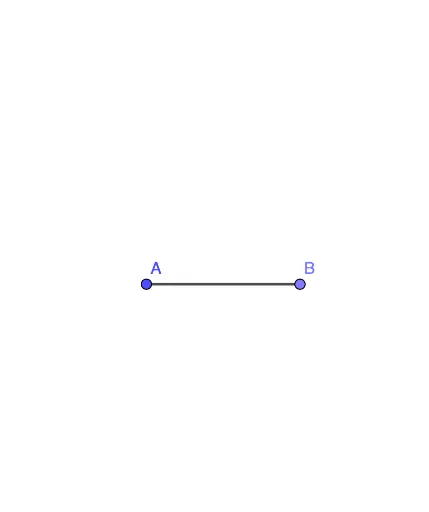
This example demonstrates how to determine whether a given line is the perpendicular bisector of a segment through geometric construction. The core mathematical concept is the definition and properties of a perpendicular bisector: a line that passes through the midpoint of a segment and is perpendicular to it. Construction details: using GeoGebra's Point command to create points A and B, and the Segment command to construct segment f (i.e., AB), then verifying perpendicularity and bisection through observation or measurement. Suitable for middle school geometry lessons, helping students intuitively understand the criteria for a perpendicular bisector and develop geometric reasoning and construction verification skills.
GeoGebra Commands & Parameters
Point(Circle[A, 3]) → BSegment(A, B) → f
AI Drawing Prompt Reference
Draw a line segment with one endpoint as the center of a circle, and choose another point on the circle as the second endpoint, then connect them to form the segment. The figure should include the circle, the segment, and optionally a line that passes through the midpoint of the segment and is perpendicular to it, to visually check if it is a perpendicular bisector.
The prompt above was compiled from the original drawing commands and is for reference only.