
Check - Is it an Angle Bisector?
Loading the math board and drawing, please wait…
In collections
Geometry with Coach Suzzette
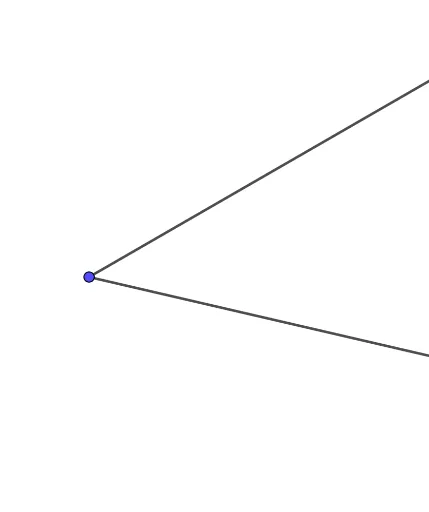
This GeoGebra example demonstrates how to verify whether a given ray is an angle bisector of an angle in a dynamic geometry environment. The core mathematical concept is the definition and property of an angle bisector, which divides an angle into two equal smaller angles. The construction uses the Ray command, involving objects A, B, f, C, and g, where rays f and g likely represent the two sides of the angle, and ray C or related constructions are used to test the bisector condition. By dragging points on the sides or vertex, users can dynamically observe angle changes and confirm the bisector criterion. This is suitable for middle school geometry lessons to intuitively understand angle bisectors, their properties, and geometric construction methods, as well as for high school coordinate geometry explorations of lines and angles.
GeoGebra Commands & Parameters
Ray(A, B) → fRay(A, C) → g
AI Drawing Prompt Reference
Draw two rays starting from a common point in different directions to form an angle. Then, draw a third ray from the common point along the direction of the angle bisector, observing if it divides the angle into two equal parts. Dynamically observe the changes in the angle and the properties of the bisector by dragging the vertex or points on the sides of the angle.
The prompt above was compiled from the original drawing commands and is for reference only.