
Practice Cones and Cylinders
Loading the math board and drawing, please wait…
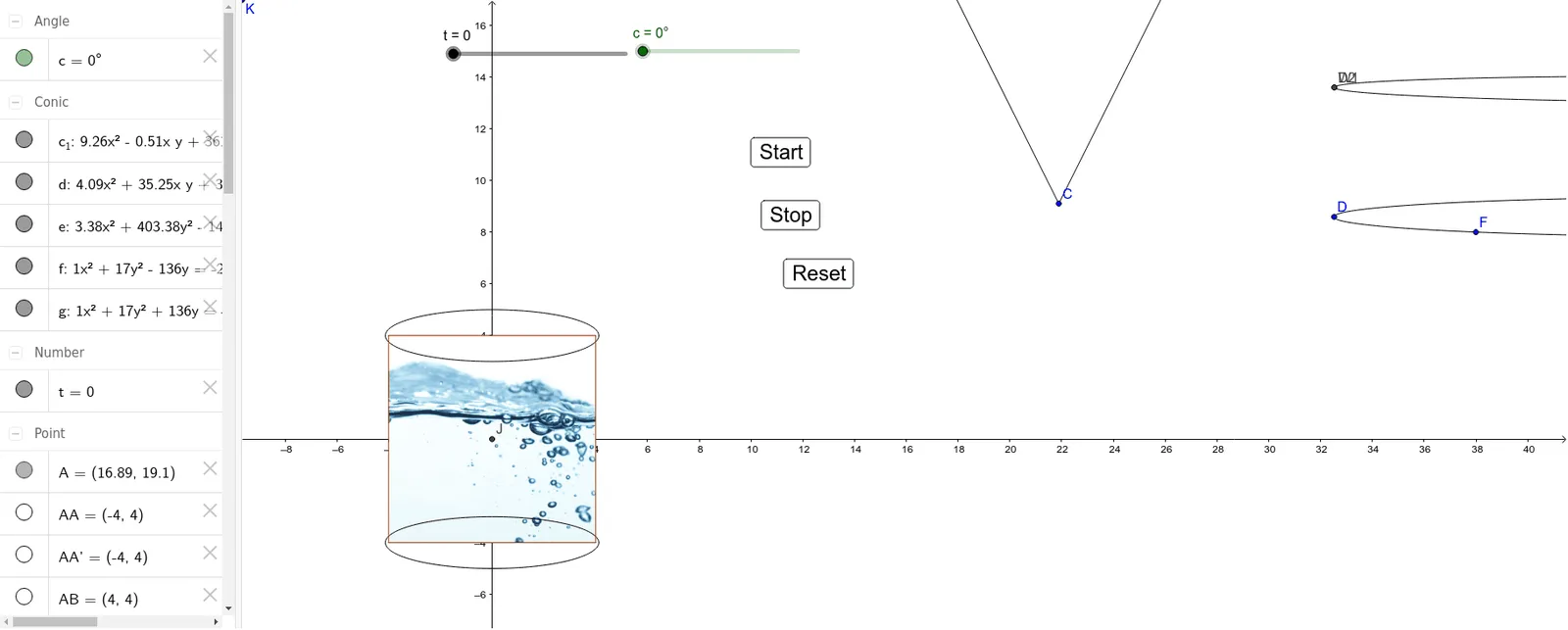
This example demonstrates the geometric construction and properties of cones and cylinders. It involves core math concepts like cone and cylinder definitions, Pythagorean theorem, trapezoids, indefinite integrals, power functions, and angle calculations. Construction highlights include using GeoGebra commands such as Ellipse, Segment, Intersect, Rotate, and Polygon. Suitable for high school students learning solid geometry to understand spatial figures and related mathematical principles.
GeoGebra Commands & Parameters
Ellipse(D, E, F) → c_1Ellipse(D2, G, H) → dEllipse(A, B, I) → eSegment(A, C) → a_1Segment(B, C) → b_1Intersect(xAxis, yAxis) → JRotate(AA, (-c), J) → AA'Rotate(AE, (-c), J) → AE'Rotate(AB, (-c), J) → AB'Rotate(AD, (-c), J) → AD'Rotate(AF, (-c), J) → AF'Rotate(AC, (-c), J) → AC'Ellipse(AA', AB', AE') → fEllipse(AC', AD', AF') → gPolygon(AA', AC', AD', AB') → poly1, aa', ac', ad', ab'
AI Drawing Prompt Reference
Draw a cone and a cylinder. Start by drawing the base and side of the cone, then draw the base and side of the cylinder. Next, draw the height of the cone and rotate the base and side to get the cone's side view. Finally, draw the cylinder's side view.
The prompt above was compiled from the original drawing commands and is for reference only.