
Practical Exercise with Matrices and Sequences
Loading the math board and drawing, please wait…
In collections
Sum of Interior Angles in a Polygon
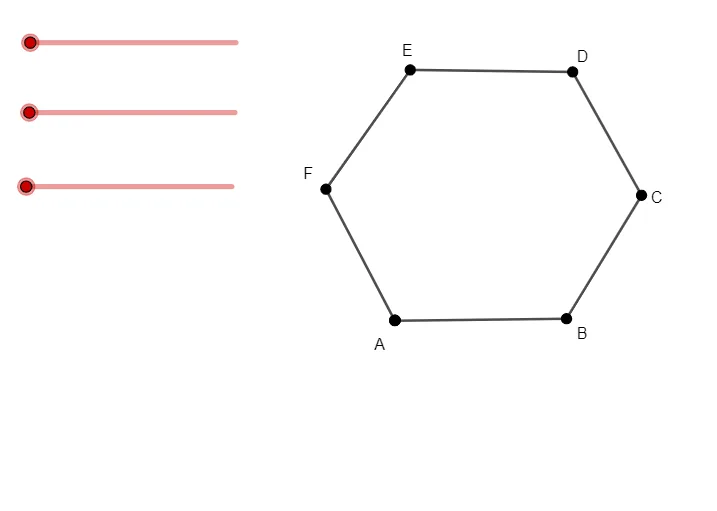
This example demonstrates the use of matrices and sequences to construct geometric figures using GeoGebra. It shows how to use the Segment and Point commands to create points and line segments, and how to generate geometric shapes using natural number sequences. Suitable for high school mathematics education and learning.
GeoGebra Commands & Parameters
Segment(A, B) → fSegment(B, C) → gSegment(C, D) → hSegment(D, E) → iSegment(E, F) → jSegment(F, A) → kPoint(Circle[A, a]) → GSegment(A, G) → lPoint(Circle[A, b]) → HSegment(A, H) → mPoint(Circle[A, c]) → ISegment(A, I) → n
AI Drawing Prompt Reference
Draw a closed hexagon formed by six points connected in order with straight line segments. Then, using one vertex of the hexagon as the center, draw three circles with three different radii. On each circle, place a point such that it lies along the line from that vertex to another vertex of the hexagon. Finally, draw three line segments from the center vertex to each of these three points, creating three radial segments. The final figure includes the hexagon, three circles, and three segments radiating from one vertex.
The prompt above was compiled from the original drawing commands and is for reference only.