
Polynomial Factoring Example
Loading the math board and drawing, please wait…
In collections
UCSS Secondary Math II Unit 3B Lesson 2
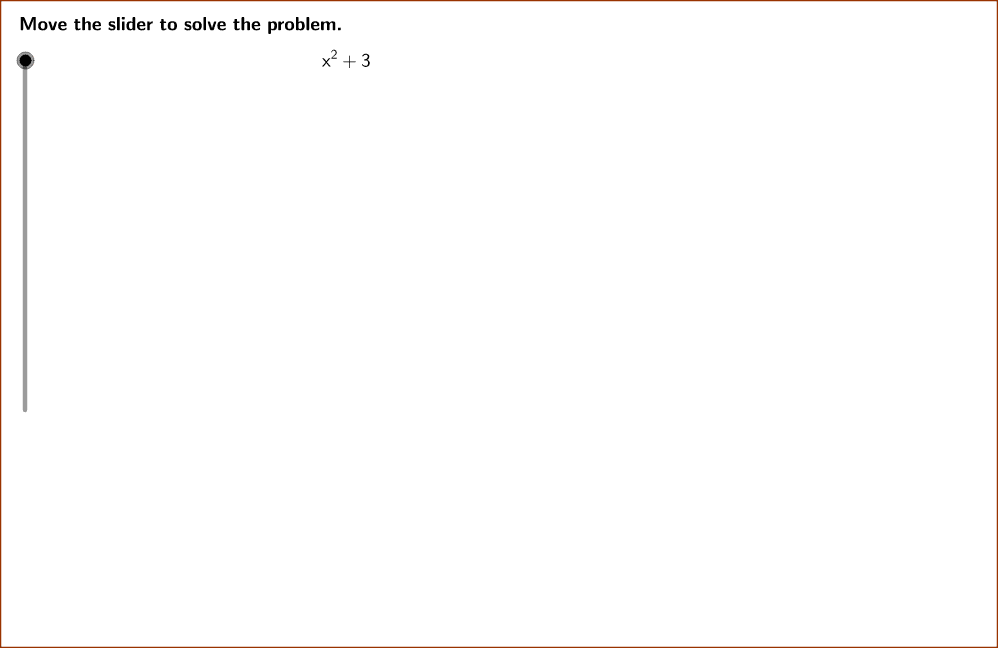
This example demonstrates how to write a polynomial identity for factoring [math]x^2 + 3[/math] using GeoGebra. It involves core math concepts like polynomial identities and factoring. Key GeoGebra commands and objects used include GCD, Polygon, Line, Simplify, PrimeFactors, Unique, Length, Sequence, Product, If, and Textfield. Suitable for high school students learning polynomial transformations.
GeoGebra Commands & Parameters
GCD(b, denom) → firstGCDPolygon((instructionEdge, y(Corner[1])), (instructionEdge, y(Corner[3])), Corner[4], Corner[1]) → instruction, instructionRight, instructionTop, instructionLeft, instructionBottomLine((x(Corner[1]) + ((2 * indent) * screenwidth), 0), yAxis) → align1Line((x(Corner[1]) + ((3 * indent) * screenwidth), 0), yAxis) → align2Line((x(Corner[1]) + ((4 * indent) * screenwidth), 0), yAxis) → align3Simplify((a * x^(2)) + (b * x) + c) → fPrimeFactors(absDiscriminant) → primeFactorsUnique(primeFactors) → uniqueFactorsLength(uniqueFactors) → numberFactorsSequence(CountIf[x ≟ Element[uniqueFactors, i], primeFactors], i, 1, numberFactors) → factorRepetitionsProduct(Sequence[Element[uniqueFactors, i]^(floor(Element[factorRepetitions, i] / 2)), i, 1, numberFactors]) → outsiderootIf(discriminant < 0, "i", "") → imaginary_1GCD(outsideroot, denom) → secondGCDTextfield(a) → inputBox1Textfield(c) → inputBox3If(discriminant < 0, "+", "-") → signtermIf(discriminant < 0, LaTeX["i^2"], "") → isquare
AI Drawing Prompt Reference
Draw a graph demonstrating polynomial factoring, showing how to factorize x^2 + 3. Include a horizontal axis, polygons on the right to represent the original polynomial, and text boxes on the left for the factoring steps and coefficients. Use lines for alignment. The order: draw the axis, construct polygons, label the factorization and coefficients, then align text boxes with lines.
The prompt above was compiled from the original drawing commands and is for reference only.