
Polygon Interior Construction: Geometric Drawing and Coordinate Analysis
Loading the math board and drawing, please wait…
In collections
geometriadinamica.es
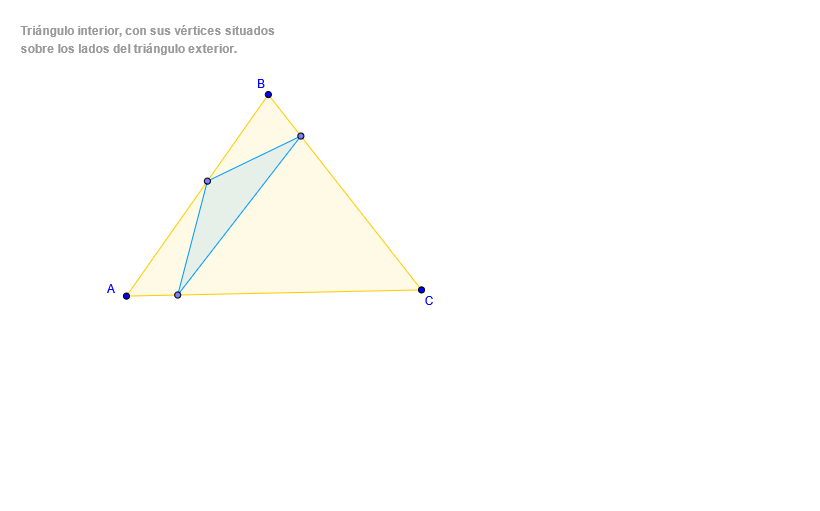
This example demonstrates how to draw the interior region of a polygon using GeoGebra and analyze its geometric properties. The key mathematical concepts include polygons, coordinate geometry, and geometric construction. The construction involves using the Polygon command, Point objects, and coordinate points such as C, A, B. It is suitable for middle or high school mathematics learning to understand the structure of polygon interiors and coordinate relationships.
GeoGebra Commands & Parameters
Polygon(A, B, C) → poly1, c, a, bPoint(c) → DPoint(a) → EPoint(b) → FPolygon(D, F, E) → poly2, e, d, f
AI Drawing Prompt Reference
Draw a polygon region by first creating a polygon with three vertices, then select one point on each of its three edges, and finally use these three points on the edges to construct a second polygon inside the first one, forming a nested polygon structure.
The prompt above was compiled from the original drawing commands and is for reference only.