
Polygon and Circle Area
Loading the math board and drawing, please wait…
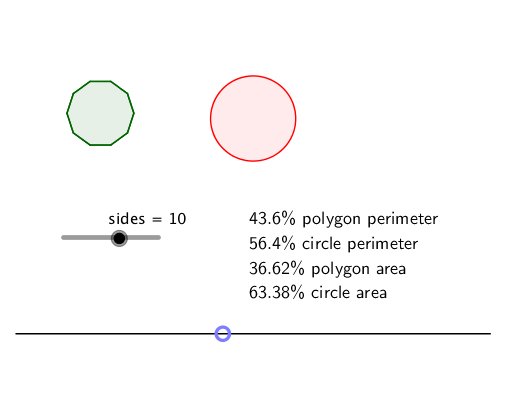
This example demonstrates how to dynamically calculate the area of polygons and circles using GeoGebra. It involves core mathematical concepts such as area calculation, circle properties, Pythagorean theorem, isosceles triangles, median line, and statistics & expected value. The construction utilizes commands and objects like Segment, Point, Circle, Line, Intersect, Polygon, and Locus as outlined in the summary. It is suitable for high school mathematics teaching, focusing on geometric construction and practical applications of area calculations.
GeoGebra Commands & Parameters
Segment((0, 0), (10, 0)) → fPoint(f) → ACircle(B, a) → cCircle(C, b) → dLine(C, xAxis) → gIntersect(d, g, 2) → DPolygon(C, D, sides) → poly1, h, s, n, t, f_1, g_1, h_1, E, F, G, H, i, I, J, K, L, N, O, P, Q, R, j, k, l, m, p, q, rLocus(M, A) → loc1