
Point Movement into Region Counting
Loading the math board and drawing, please wait…
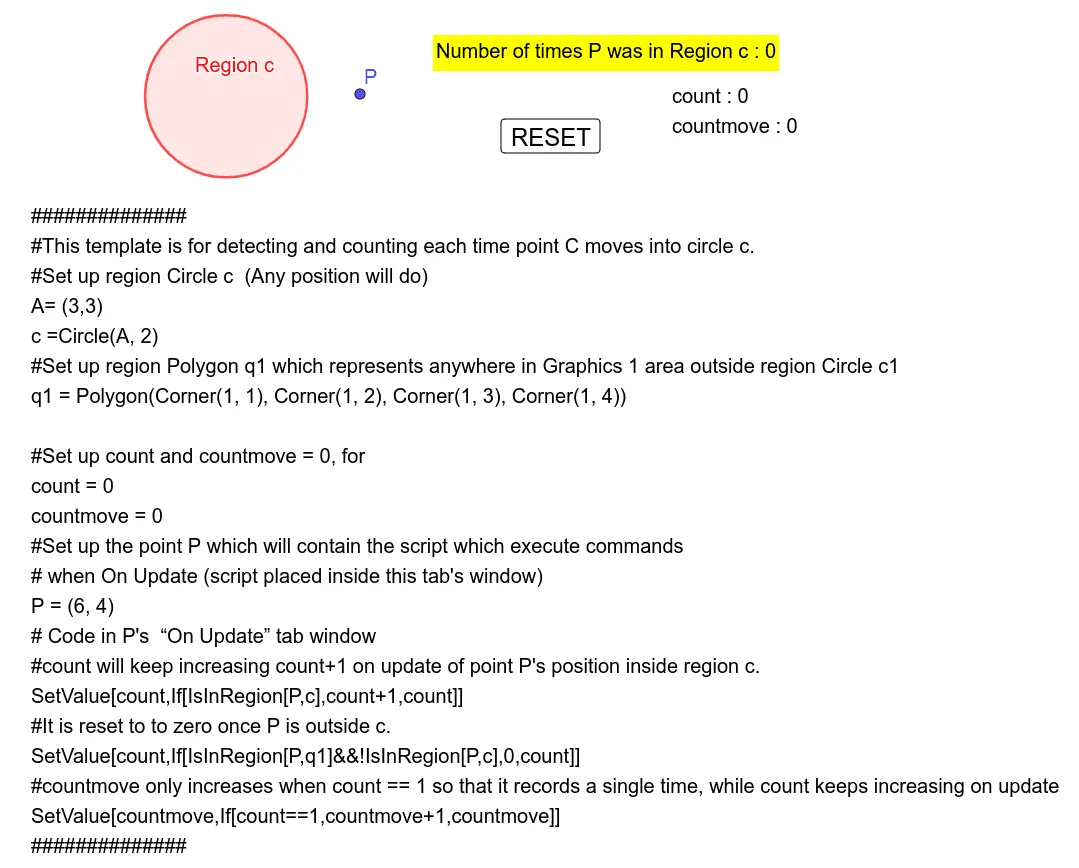
This example demonstrates how to use the IsInRegion command with counters to record the number of times a point moves into a designated region. It involves core math concepts like region determination, counting statistics, and basic probability. Key GeoGebra commands and objects used include Polygon, Circle, count, countmove, button1, and various other objects like q1, f, g, h, i for assistance, along with text elements for display. Suitable for middle school students and above to learn about region counting, probability statistics, and computational thinking.
GeoGebra Commands & Parameters
Polygon(Corner[1, 1], Corner[1, 2], Corner[1, 3], Corner[1, 4]) → q1, f, g, h, iCircle(A, 2) → c
AI Drawing Prompt Reference
Draw a quadrilateral and a circle. The quadrilateral has four vertices, and the circle is centered at one of the quadrilateral's vertices with a radius of 2. Create a counter to record the number of times a point moves into the quadrilateral region.
The prompt above was compiled from the original drawing commands and is for reference only.