
Planes, Lines, and Geometry Construction
Loading the math board and drawing, please wait…
In collections
Introduction to Geometry
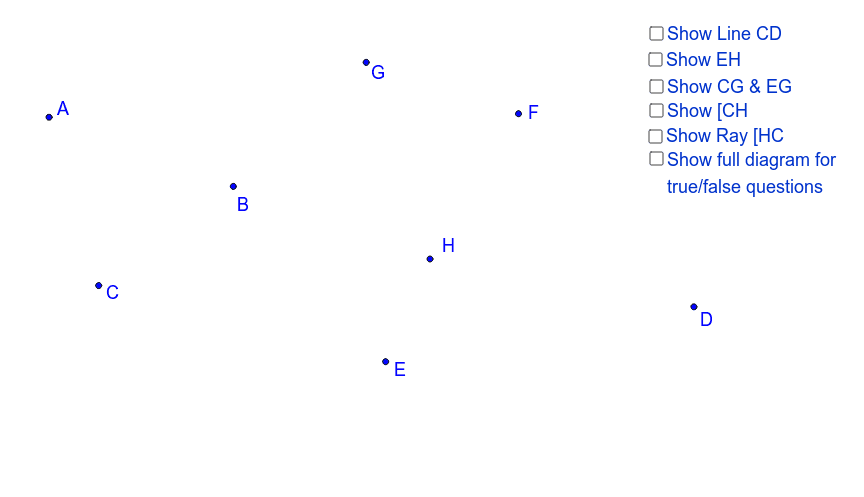
This example is based on the Project Maths activity, demonstrating the comprehensive application of geometric figures such as planes, straight lines, triangles, and circles. It involves core mathematical concepts including coordinate geometry, solid geometry, derivatives, and trigonometry. The construction highlights the use of GeoGebra commands like Segment, Line, Ray, and objects A, B, C, D, E, F, G, H, a, b, c, d, e, f, g, h, i, j, k, l, m, n, o, p for geometric construction. Suitable for high school students learning geometric drawing and mathematical concept application.
GeoGebra Commands & Parameters
Segment(A, C) → aSegment(D, E) → bLine(A, B) → cRay(D, F) → dLine(C, D) → eLine(E, H) → gLine(C, G) → iLine(E, G) → jRay(C, H) → lRay(H, C) → m
AI Drawing Prompt Reference
Draw a geometric figure including planes, lines, and constructions. First, draw segment AC and DE, then line AB, ray DF, followed by lines CD, EH, and CG, and finally rays CH and HC.
The prompt above was compiled from the original drawing commands and is for reference only.