
Plane: Linear Combination of 2 Non-Parallel Vectors
Loading the math board and drawing, please wait…
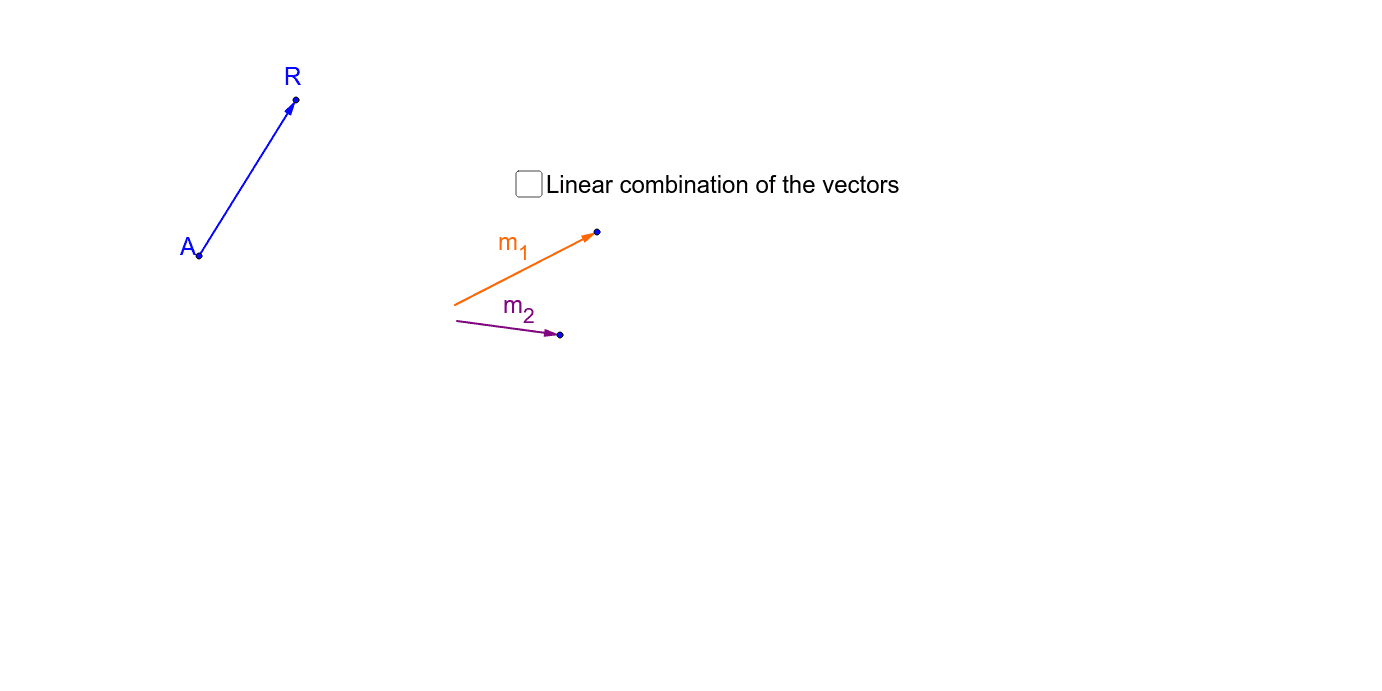
This example demonstrates how any vector on a plane can be represented by a linear combination of two non-parallel vectors. Key mathematical concepts include vectors and linear combinations. It uses commands like Vector, Line, and Intersect in GeoGebra. Suitable for high school mathematics education and learning about vector concepts.
GeoGebra Commands & Parameters
Vector(M_1a, M_1b) → m_1Vector(M_2a, M_2b) → m_2Vector(A, R) → wLine(A, m_1) → aLine(R, m_2) → bIntersect(a, b) → GVector(G, R) → qm_2Vector(A, G) → pm_1
AI Drawing Prompt Reference
Draw a plane with two non-parallel base vectors and show how any vector on the plane can be obtained by the linear combination of these two vectors. Start by drawing the two base vectors, then draw a line through the starting point of the first vector and another line through the endpoint of the second vector. The intersection of these two lines represents the linear combination result. Next, draw a vector from the intersection point to the endpoint of the second vector and another vector from the starting point of the first vector to the intersection point, demonstrating how any vector can be expressed as a combination of these two vectors.
The prompt above was compiled from the original drawing commands and is for reference only.