
Plane and distance to 3-points
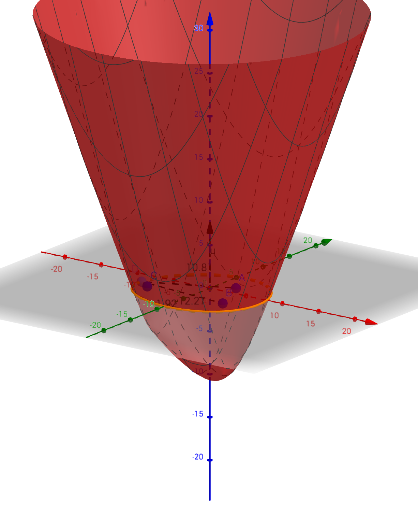
Loading the math board and drawing, please wait…
This example demonstrates how to determine a plane through three points and calculate the distance from a point to the plane. Key math concepts include plane equations, vector operations, and the point-to-plane distance formula. Construction highlights the use of GeoGebra commands/objects like Segment, LineBisector, IntersectPath, and Point. Suitable for high school students learning spatial geometry, vectors, and planes.
GeoGebra Commands & Parameters
Segment(A, B) → gSegment(B, C) → hLineBisector(g) → iLineBisector(h) → jIntersectPath(c, f) → bPoint(b) → DSegment(B, D) → kSegment(D, A) → lSegment(D, C) → m
AI Drawing Prompt Reference
Draw a plane through three points and indicate perpendiculars from a fourth point to the sides of the triangle formed by the three points, demonstrating plane equations, vector operations, and the point-to-plane distance formula. Start by plotting three points to form a triangle, then construct the perpendicular bisectors of two sides to find the plane's normal direction. Draw perpendiculars from the fourth point to the triangle's sides, and connect the foot of the perpendiculars to the triangle's vertices to complete the geometric construction.
The prompt above was compiled from the original drawing commands and is for reference only.