
Place Value Cards Input
Loading the math board and drawing, please wait…
In collections
Elementary School Applets
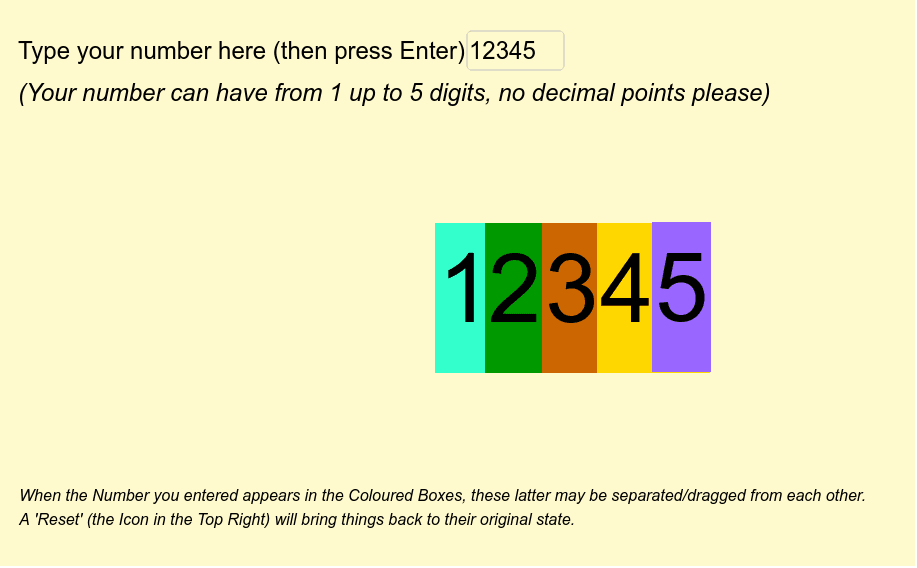
This example demonstrates the input functionality of place value cards, showcasing the composition and positional relationships of numbers through interactive operations. Core mathematical concepts include place value, natural numbers, sequences, and series. Construction highlights the use of GeoGebra commands and objects like Length, Textfield, TextToUnicode, Sequence, Element, If, with elements such as numero, digits, inputBox1, list1, list2, etc., to achieve number input and positional decomposition. Suitable for elementary and middle school mathematics teaching, focusing on place value understanding and numerical manipulation exercises.
GeoGebra Commands & Parameters
Length(numero) → digitsTextfield(numero) → inputBox1TextToUnicode(numero) → list1Sequence(Element[list1, i] - 48, i, 1, digits) → list2Element(list2, 1) → aIf(digits ≟ 5, Element[list2, 3], If[digits ≟ 4, Element[list2, 2], If[digits ≟ 3, Element[list2, 1], If[digits < 3, 0, 0]]]) → hunIf(digits ≟ 5, Element[list2, 2], If[digits ≟ 4, Element[list2, 1], If[digits < 4, 0, 0]]) → thousIf(digits ≟ 5, Element[list2, 1], If[digits < 5, 0, 0]) → tenthousIf(digits ≟ 5, Element[list2, 4], If[digits ≟ 4, Element[list2, 3], If[digits ≟ 3, Element[list2, 2], If[digits ≟ 2, Element[list2, 1], If[digits < 2, 0, 0]]]]) → tenIf(digits ≟ 5, Element[list2, 5], If[digits ≟ 4, Element[list2, 4], If[digits ≟ 3, Element[list2, 3], If[digits ≟ 2, Element[list2, 2], If[digits < 2, Element[list2, 1], 0]]]]) → one