
Properties of a Square
Loading the math board and drawing, please wait…
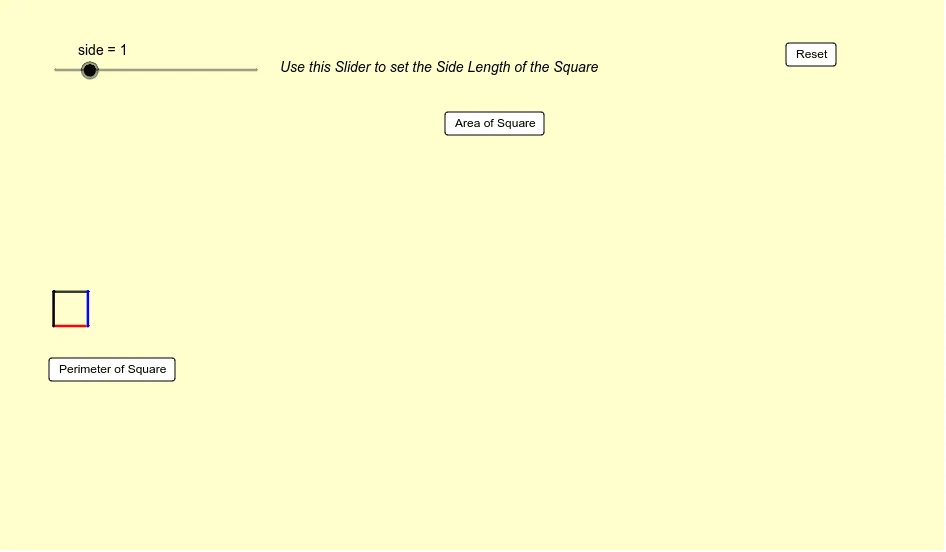
This example demonstrates the properties of a square, including area and perimeter calculations. It involves concepts such as square, root, and inequalities. Using GeoGebra commands like Segment, Point, and Sequence, it dynamically shows the construction points of a square. Suitable for middle school and above students to learn geometric construction and related concepts.
GeoGebra Commands & Parameters
Segment(A, B) → aSegment(C, D) → cSegment(B, C) → bSegment(D, A) → dPoint(Circle[E, abs(side)]) → FSegment(E, F) → ePoint(Circle[F, abs(side)]) → GSegment(F, G) → fPoint(Circle[G, abs(side)]) → HSegment(G, H) → gPoint(Circle[H, abs(side)]) → ISegment(H, I) → hSequence(Sequence[Polygon[(i, a), (i + 1, a), 4], i, -8, -9 + side, 1], a, -6, -7 + side, 1) → list1Segment(J, K) → k
AI Drawing Prompt Reference
Draw a square and calculate its side length, diagonals, and area and perimeter. First, draw the four sides AB, BC, CD, and DA, then find the diagonals EF, FG, GH, and HI, and finally use these sides and diagonals to calculate the area and perimeter of the square.
The prompt above was compiled from the original drawing commands and is for reference only.