
Perpendicular Line Equations Practice
Loading the math board and drawing, please wait…
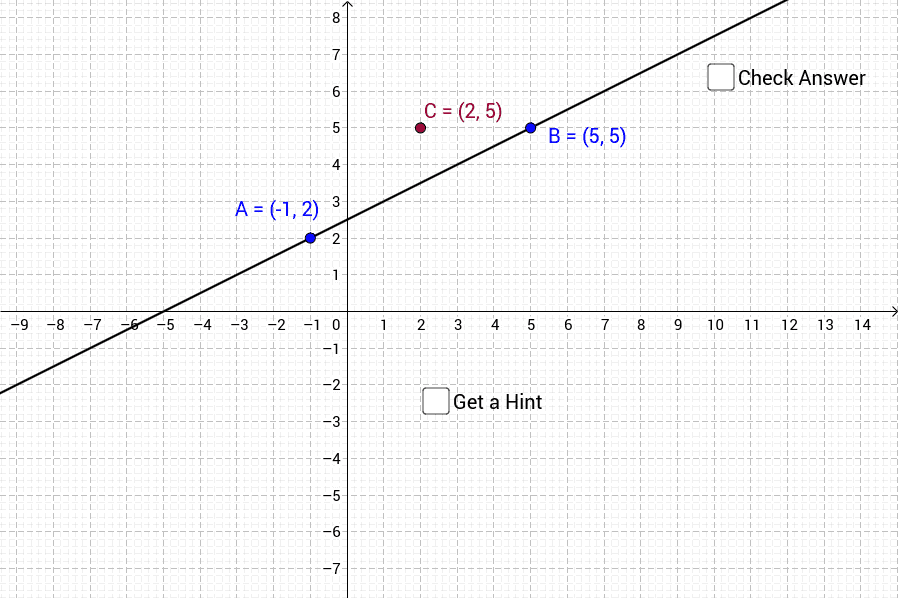
This example demonstrates how to draw the equations of two perpendicular lines. It involves core mathematical concepts like line equations, slope, perpendicular relationships, and intersection calculations. Key GeoGebra commands used include Line, OrthogonalLine, Slope, Intersect, and Angle for constructing the geometric figures and performing calculations. It is suitable for high school students practicing and understanding the geometric properties and algebraic representations of perpendicular lines.
GeoGebra Commands & Parameters
Line(A, B) → aOrthogonalLine(C, a) → bSlope(a) → mSlope(b) → m_1Intersect(b, a) → DAngle(B, D, C) → α
AI Drawing Prompt Reference
Draw two perpendicular lines. The first line is defined by two points, and the second line is perpendicular to it. They intersect at a right angle. Make sure the figure is clear and label key points like the intersection.
The prompt above was compiled from the original drawing commands and is for reference only.