
Perimeter Testing 3: Right Triangles and Tangent Function Exploration
Loading the math board and drawing, please wait…
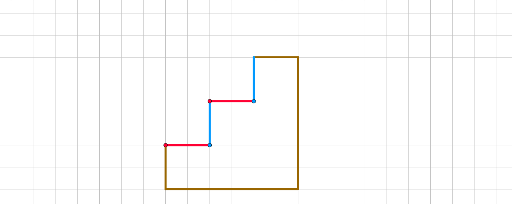
①This GeoGebra example dynamically demonstrates the relationship between the perimeter of right triangles and the tangent function, using a tree-diagram layout to compare multiple side-length configurations. ②Core mathematical concepts include right triangle properties, perimeter calculation, the definition of the tangent function (tan) as a ratio of sides, and the use of correlation and tree diagrams to visualize data patterns. ③Construction highlights: Based on the summary, the construction employs commands such as Line, Point, Intersect, and Segment, creating numerous points (A through T) and segments (c, b, d, a, etc.) to form multiple right triangles and auxiliary lines, arranged in a branching tree structure for comparative analysis. ④This resource is suitable for middle and high school students learning right triangles, introductory trigonometry, and dynamic geometry, and serves as an interactive tool for teachers to demonstrate how changing side lengths affects perimeter and tangent values.
GeoGebra Commands & Parameters
Line(A, B) → fPoint(yAxis) → CLine(C, D) → gLine(E, F) → hLine(G, H) → iPoint(i) → ILine(I, J) → jPoint(i) → KLine(K, L) → kPoint(i) → MLine(M, N) → lPoint(i) → OLine(O, P) → mIntersect(i, j) → QPoint(j) → RSegment(Q, R) → nPoint(Circle[S, 2]) → TSegment(S, T) → pPoint(Circle[S_1, 2]) → T_1Segment(S_1, T_1) → p_1Point(Circle[S_2, 2]) → T_2Segment(S_2, T_2) → p_2Point(Circle[U, 6]) → VSegment(U, V) → qPoint(q) → WPoint(Circle[W, 2]) → ZSegment(W, Z) → rPoint(Circle[U_1, 6]) → V_1Segment(U_1, V_1) → q_1Point(Circle[W_1, 2]) → Z_1Segment(W_1, Z_1) → r_1Point(Circle[U_2, 6]) → V_2Segment(U_2, V_2) → q_2Point(Circle[W_2, 2]) → Z_2Segment(W_2, Z_2) → r_2