
Perimeter and Area of Square
Loading the math board and drawing, please wait…
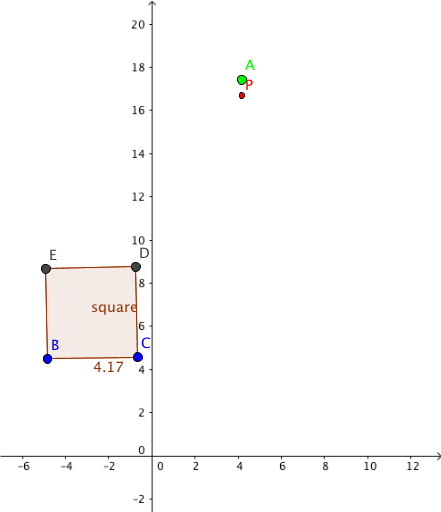
This example demonstrates the calculation of the perimeter and area of a square. Key mathematical concepts include the properties of a square, formulas for calculating area and perimeter. Using GeoGebra commands like Polygon to construct a square and calculate its perimeter and area. Suitable for middle school and above students to learn geometric construction and area/perimeter calculations.
GeoGebra Commands & Parameters
Polygon(B, C, 4) → square, f, g, h, i, D, E
AI Drawing Prompt Reference
Draw a square and illustrate the calculation of its perimeter and area. Start by defining one side of the square, then construct the full square ensuring all sides are equal and angles are right angles. Clearly mark the four vertices and label the side length. Next to the shape, display the formulas for perimeter (four times the side length) and area (side length squared), substituting the given value to show the numerical results. The layout should emphasize the relationship between the geometric construction and the formulas, making it easy to see how the side length determines both perimeter and area.
The prompt above was compiled from the original drawing commands and is for reference only.