
Percentage of a Quantity: Interactive Calculation
Loading the math board and drawing, please wait…
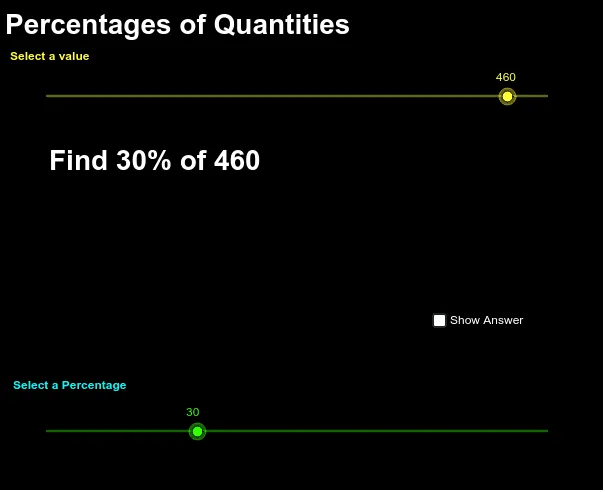
This GeoGebra example demonstrates how to interactively calculate and visualize a percentage of a given quantity (a). It uses a slider for the percentage value and multiple text objects to display the computation steps and final result. The core mathematical concept is percentage multiplication, i.e., finding a specified percent of a number, which involves proportional reasoning and basic arithmetic. The construction includes objects: a (base quantity), Percentage (slider), text1-text5 (labels and formulas), ans (answer), and b (possibly an auxiliary value). Users can adjust the slider to see how the result changes, making it ideal for middle school students learning percentages, as well as for teachers demonstrating the concept in class. The example is simple, editable, and supports exploratory learning by allowing different inputs to generate varied practice problems.
GeoGebra Commands & Parameters
Numeric a(460.0)Numeric Percentage(30.0)Percentage / 100 * aBoolean b(false)
AI Drawing Prompt Reference
Draw a graphic with a numeric value 'a' and a slider 'Percentage'. The slider adjusts the percentage, and text objects display calculation steps and the final result. This graphic illustrates the basic concept of percentage multiplication, suitable for teaching.
The prompt above was compiled from the original drawing commands and is for reference only.