
Percentage Grid Shaded Explorer
Loading the math board and drawing, please wait…
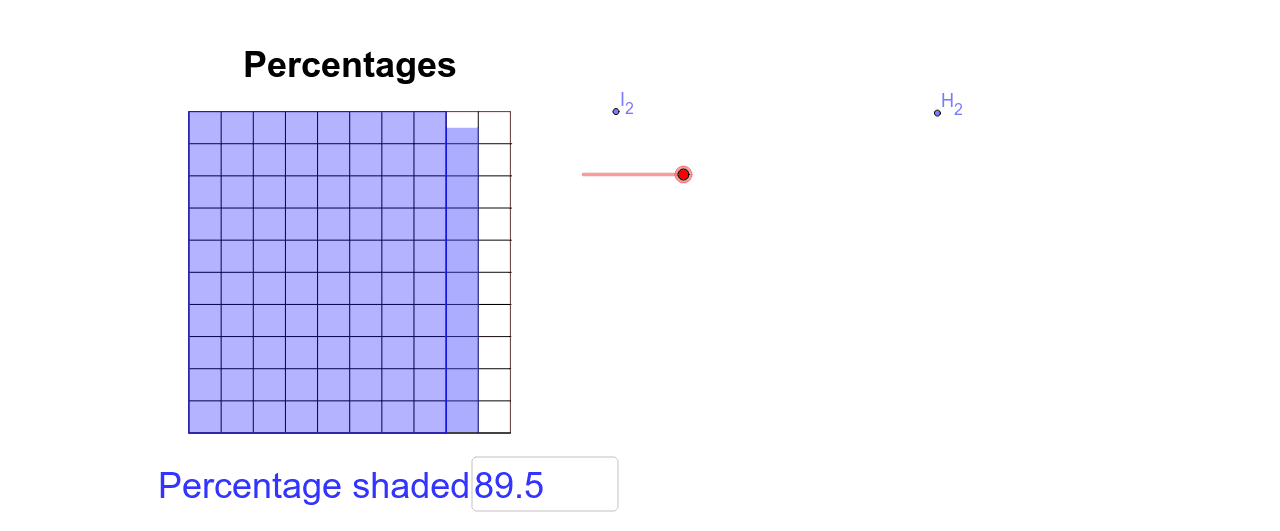
This example demonstrates the concept of percentage by changing the value in the input box and observing the shaded part of the grid. It involves geometric transformations and slider animation. Commands used include Point, Polygon, Intersect, Segment, Dilate, Line, Sequence, Translate, If, Textfield, Random, etc. Suitable for middle school and above students to learn about geometric transformations and probability statistics.
GeoGebra Commands & Parameters
Point(Circle[A, 5]) → BPolygon(A, B, 4) → poly1, b, c, d, e, C, DIntersect(d, c) → NSegment(A, B) → aIntersect(c, a) → PDilate(N, 1 / part2, P) → N'Dilate(B, 1 / part_1, A) → B_1Line(A, B) → fPoint(f) → ESegment(A, E) → gPoint(g) → FPoint(Circle[F, 5]) → GSegment(F, G) → hPolygon(F, G, 4) → poly2, i, j_1, k_1, l, H, ISequence(Segment[Translate[D, Vector[(i * Vector[A, B_1])]], Translate[A, Vector[(i * Vector[A, B_1])]]], i, 1, part_1 - 1) → list1Dilate(H, 1 / part2, G) → H_1Translate(A, Vector[(num_5 * Vector[A, B_1])]) → B_2Translate(B_2, Vector[A, D]) → C_2Translate(G, Vector[(num_2 * Vector[G, H_1])]) → H_2Translate(H_2, Vector[G, F]) → I_2Polygon(A, B_2, C_2, D) → poly3, a_1, b_2, c_2, d_1Line(B_2, C_2) → jLine(I_2, H_2) → kIntersect(j, k) → SIf(Distance[A, F] < 0.01, true, false) → overSegment(J, K) → mSegment(L, M) → nIntersect(a, b) → OSequence(Segment[Translate[A, Vector[(i * Vector[P, N'])]], Translate[P, Vector[(i * Vector[G, H_1])]]], i, 1, part2 - 1) → list2Textfield(o) → inputBox1Translate(P, Vector[(num_6 * Vector[P, N'])]) → N_2Translate(N_2, Vector[P, B_2]) → QPoint(Circle[Q, 0.5]) → RSegment(Q, R) → pPoint(Circle[B_2, 0.5]) → TSegment(B_2, T) → qPolygon(Q, B_2, T, R) → poly6, q_1, b_3, t, rRandom(1, 100) → s
AI Drawing Prompt Reference
Draw a percentage grid where changing a slider value alters the shaded area. The grid consists of multiple polygons with a central point, demonstrating geometric transformations and animations to show proportion relationships. Start with a square, scale and translate parts based on the slider, fill some areas with random colors, and label the percentage values.
The prompt above was compiled from the original drawing commands and is for reference only.