
Percent Increase and Decrease Modeling Templates
Loading the math board and drawing, please wait…
In collections
Percents Resources
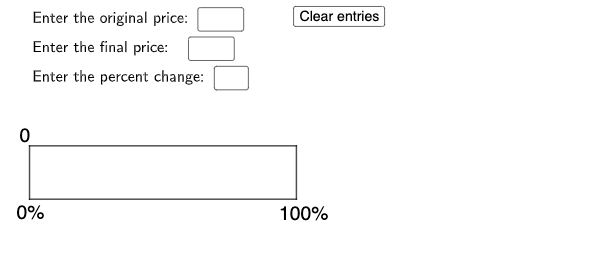
This example demonstrates how to model percentage increase and decrease using geometric figures and function graphs. Key mathematical concepts include linear equations, percentage calculations, and geometric transformations. Construction involves GeoGebra commands such as Textfield, Intersect, Point, Polygon, etc. Suitable for middle or high school mathematics teaching to understand the relationship between percentage changes and geometric shapes, and the dynamic changes in function graphs.
GeoGebra Commands & Parameters
Textfield(k) → InputBox1Textfield(e) → InputBox2Textfield(l) → InputBox3Intersect(xAxis, yAxis) → EPoint(xAxis) → FPolygon(F, L, J, G) → q4, j, m, n, pSegment(E, F) → fSegment(F, G) → gSegment(G, H) → hSegment(H, E) → iMirror(C, F) → C'Mirror(N, F) → N'Polygon(F, N, O, G) → q3, f_3, n_1, o_1, g_3Polygon(F, G, P, N') → q5, f_4, g_4, p_1, n'
AI Drawing Prompt Reference
Draw a geometric figure to model percentage increase and decrease. The figure should include a central point, two line segments, and a triangle. The construction order is to first draw the central point, then connect it to two endpoints to form line segments, and then use these endpoints to create the triangle. The figure should clearly show the relationship between percentage changes and geometric shapes, suitable for math teaching.
The prompt above was compiled from the original drawing commands and is for reference only.