
Parallelogram
Loading the math board and drawing, please wait…
In collections
The GeoGebra's Toolbox for Teachers and Students
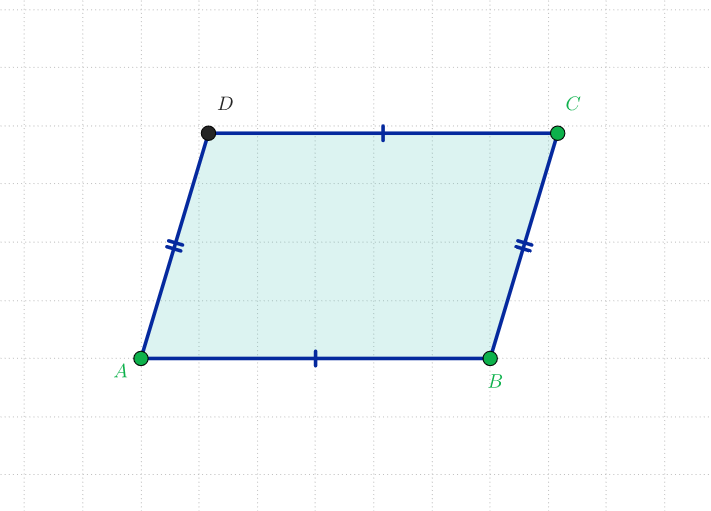
This interactive parallelogram is designed for teaching and learning. It demonstrates the basic properties of a parallelogram, such as equal opposite sides and bisecting diagonals. Using GeoGebra commands like Line, Segment, Intersect, and Polygon, you can dynamically construct and explore the parallelogram. Suitable for middle school and above students and teachers.
GeoGebra Commands & Parameters
Line(A, B) → aLine(C, a) → bSegment(B, C) → cLine(A, c) → dIntersect(b, d) → DPolygon(A, B, C, D) → poli1, a_1, b_1, c_1, d_1
AI Drawing Prompt Reference
Draw a parallelogram to demonstrate its properties, such as equal opposite sides and bisecting diagonals. Start by creating two parallel lines, then connect their intersection point to the endpoints of the other parallel line to form a quadrilateral. Finally, connect the remaining endpoints to complete the parallelogram.
The prompt above was compiled from the original drawing commands and is for reference only.