
Parallel and Perpendicular Constructions: Perpendicular Bisectors and Parallel L
Loading the math board and drawing, please wait…
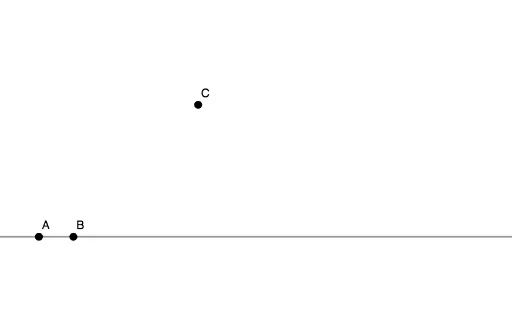
①This example demonstrates how to construct a perpendicular bisector of a segment and a line parallel to a given line through a point using GeoGebra's geometric construction tools, visually illustrating fundamental relationships of parallelism and perpendicularity. ②Core mathematical concepts include the definition of a perpendicular bisector (the locus of points equidistant from the segment's endpoints), properties and criteria for parallel lines, and the logic of straightedge-and-compass constructions. ③Construction details: Based on the summary, the Line command is used, involving objects A, B (defining a segment or line), f (possibly an auxiliary line or perpendicular), and point C (through which the parallel line is drawn), progressively building the perpendicular bisector and parallel line. ④Suitable for middle school geometry instruction or self-study, helping students understand criteria for parallel and perpendicular lines and practice using basic GeoGebra objects like lines and points, also serving as an introductory exercise in geometric construction.
GeoGebra Commands & Parameters
Line(A, B) → f
AI Drawing Prompt Reference
Draw a horizontal segment with endpoints labeled left and right. Construct its perpendicular bisector as a dashed vertical line passing through the midpoint, perpendicular to the segment. Then choose a point above or below the segment, and draw a solid line through that point parallel to the perpendicular bisector. Clearly mark the segment endpoints, the midpoint intersection, and the chosen point, keeping construction guide lines visible to illustrate the process of creating a perpendicular bisector and a parallel line through a point.
The prompt above was compiled from the original drawing commands and is for reference only.