
Parabola Surface Demonstration
Loading the math board and drawing, please wait…
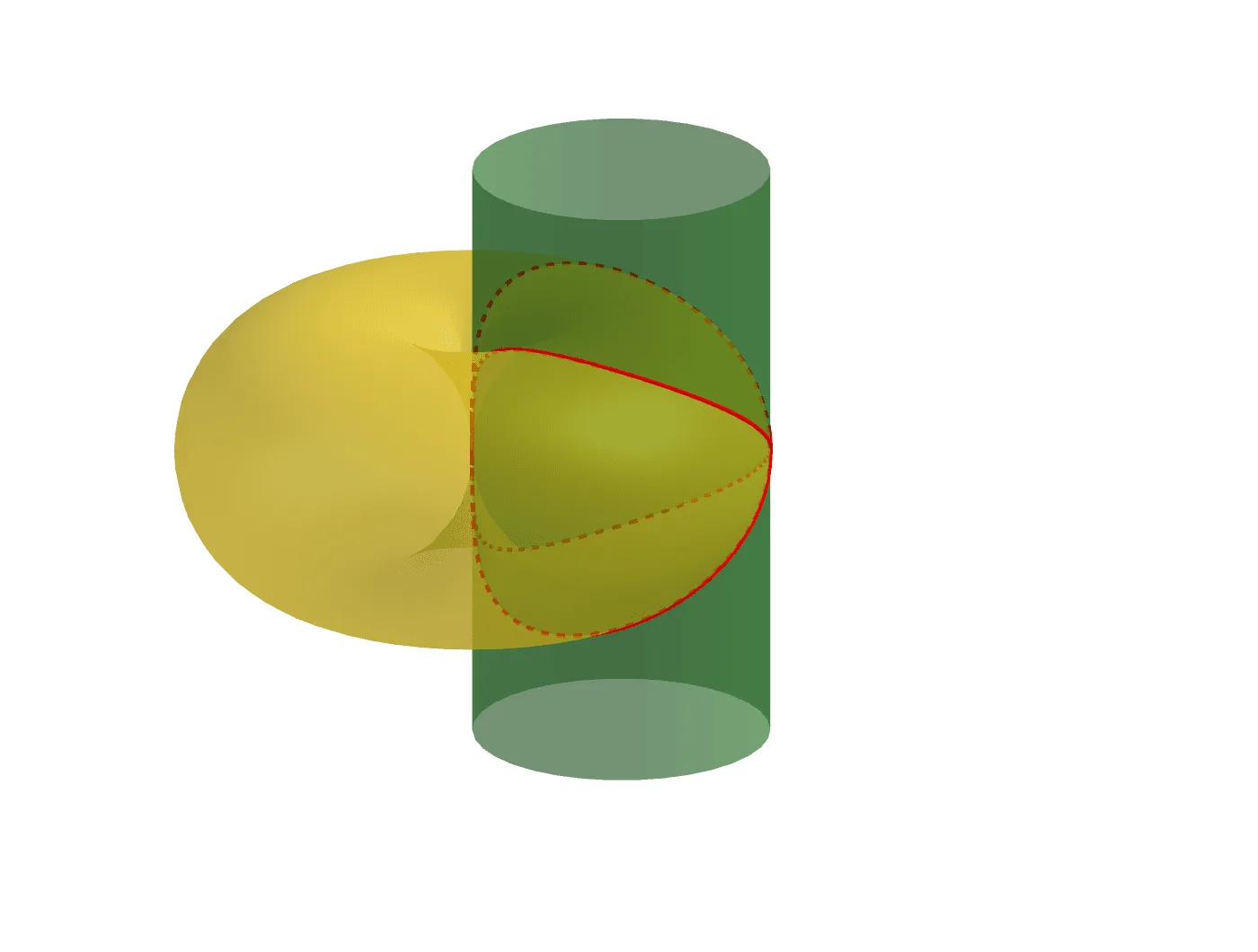
This example demonstrates the construction and visualization of a parabolic surface. It involves core mathematical concepts such as parametric equations, surfaces, coordinate geometry, and complex number operations. The construction uses GeoGebra commands like Surface, CurveCartesian, buttons (botón1-4), sliders (a, b), and text objects (texto1-2). Suitable for high school students and math enthusiasts learning parametric equations, surface plotting, and complex number applications.
GeoGebra Commands & Parameters
Surface(((a + (a * cos(v))) * cos(u)), ((a + (a * cos(v))) * sin(u)), (a * sin(v)), u, 0, (2 * π), v, 0, (2 * π)) → ToroSurface(a + (a * cos(u)), (a * sin(u)), v, u, 0, (2 * π), v, (-2 * a), (2 * a)) → bCurveCartesian(((2 * a) * cos(t)^(2)), (((2 * a) * sin(t)) * cos(t)), ((2 * a) * sqrt(((1 - cos(t)) * cos(t)))), t, ((-π)) / 2, π / 2) → fCurveCartesian(((2 * a) * cos(t)^(2)), (((2 * a) * sin(t)) * cos(t)), ((-2 * a) * sqrt(((1 - cos(t)) * cos(t)))), t, ((-π)) / 2, π / 2) → g