
Open Middle: Basic Statistics Exercise (2)
Loading the math board and drawing, please wait…
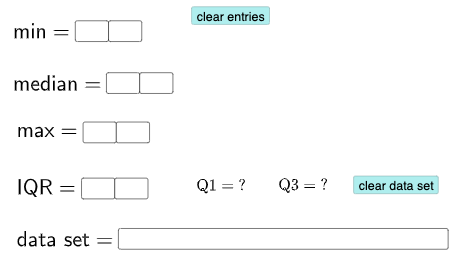
This example demonstrates how to generate box plots, pie charts, and calculate mean, median, mode, standard deviation, percentages, and linear regression through user input data. Core math concepts include means, mode, statistics, boxplots, linear regression, standard deviation, percentages, and pie charts. GeoGebra commands and objects used are Textfield, If, Q3, Q1, Mode. Suitable for high school students learning statistics and data analysis.
GeoGebra Commands & Parameters
Textfield(a) → InputBox1Textfield(b) → InputBox2Textfield(c) → InputBox3Textfield(d) → InputBox4Textfield(e) → InputBox5Textfield(o) → InputBox6Textfield(p) → InputBox7Textfield(q) → InputBox8Textfield(l1) → InputBox9If((10 * a) + b ≟ Min[l1], "√", "X") → text1If(c2, "√", "X") → text2If(c3, "√", "X") → text3If(c4, "√", "X") → text4Q3(l1) → fQ1(l1) → gMode(l2) → l3If(Length[l3] ≟ 0, "No digit repeats!", "You have repeated digits.") → text5Q3(l1) → hQ1(l1) → i
AI Drawing Prompt Reference
Create a box plot and pie chart based on user-input data. First, enter a series of numbers to generate a box plot showing the quartiles Q1 and Q3 and the median. Then, input a set of data points to create a pie chart. Finally, calculate and display the mean, median, mode, standard deviation, and linear regression of the data.
The prompt above was compiled from the original drawing commands and is for reference only.