
Multiplying Two-Digit Numbers by One-Digit Numbers
Loading the math board and drawing, please wait…
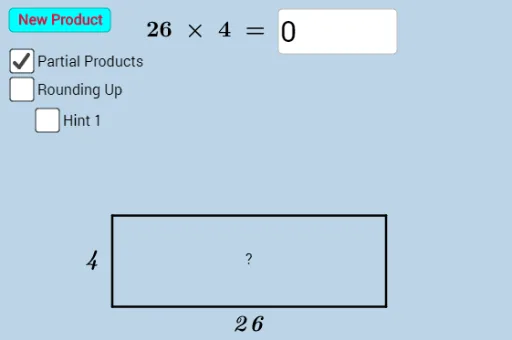
This example demonstrates how to perform multiplication of two-digit numbers by one-digit numbers using GeoGebra. Key mathematical concepts include multiplication and place value. By using commands like Textfield, Vector, Polygon, etc., users can visually understand the geometric meaning of multiplication. Suitable for high-grade elementary or low-grade middle school students to learn multiplication.
GeoGebra Commands & Parameters
Textfield(n) → InputBox1Vector(B) → v_1Vector((6, 0), C) → v_2Polygon((0, 0), (0, 2), (6, 2), (6, 0)) → poly1, s_1, s_2, s_3, s_4Vector(A) → v_3Distance(D, B) → distanceDBDistance(D, A) → distanceDAPolygon((0, 0), (0, 2), (u, 2), (u, 0)) → poly2, f, g, h, iPolygon((4, 0), (4, 2), (u_1 - 1, 2), (u_1 - 1, 0)) → poly3, j, k, l, mDistance(A, E) → distanceAEDistance(A, F) → distanceAFPolygon(G, H, I, J) → poly4, g_1, h_1, i_1, j_1Polygon(K, L, M, N) → poly5, k_1, l_1, m_1, n_2Polygon(G, H, I, J) → poly6, g_2, h_2, i_2, j_2Polygon(K, L, M, N) → poly7, k_2, l_2, m_2, n_3Polygon((0, 0), (0, 2), (w, 2), (w, 0)) → poly8, p, q, r, sSegment((6, 2), (w, 2)) → eSegment((6, 0), (w, 0)) → f_1Distance(A, O) → distanceAODistance(P, Q) → distancePQPoint(yAxis) → SSegment(R, S) → r_1Segment(U, T) → a_1Polygon((8, 0), (8, 2), (17 - w_1, 2), (17 - w_1, 0)) → poly9, b_1, c_1, d_1, e_1