
Multiplying Real Numbers
Loading the math board and drawing, please wait…
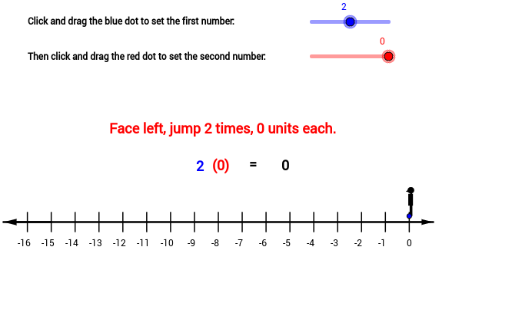
This example demonstrates the process of multiplying real numbers. Using commands like Sequence, Segment, Midpoint, and Vector from GeoGebra, it provides a visual and interactive way to understand real number multiplication. Suitable for middle school and above students.
GeoGebra Commands & Parameters
Sequence((i, (-0.4)), i, -8, 8) → DSequence((i, 0.4), i, -8, 8) → CSegment(A, B) → aMidpoint(E, F) → IMidpoint(G, H) → JSequence(Segment[Element[C, i], Element[D, i]], i, 1, 17) → bVector((-7, 0), A) → uVector((7, 0), B) → vSequence(CircleArc[((i * d) + 8 - d / 2, 0), (((i - 1) * d) + 8, 0.25), ((i * d) + 8, 0.25)], i, 1, c) → e
AI Drawing Prompt Reference
Draw a number line from -8 to 8, then draw two parallel lines above and below the x-axis, with each point on the lines corresponding to a point on the number line. Next, mark the midpoints on the number line and indicate the positive and negative directions of the number line with vectors. Finally, draw a series of circular arcs centered at specific points on the number line, with the radii of the arcs gradually increasing.
The prompt above was compiled from the original drawing commands and is for reference only.