
Multiplication Tables
Loading the math board and drawing, please wait…
In collections
Lesson Starters
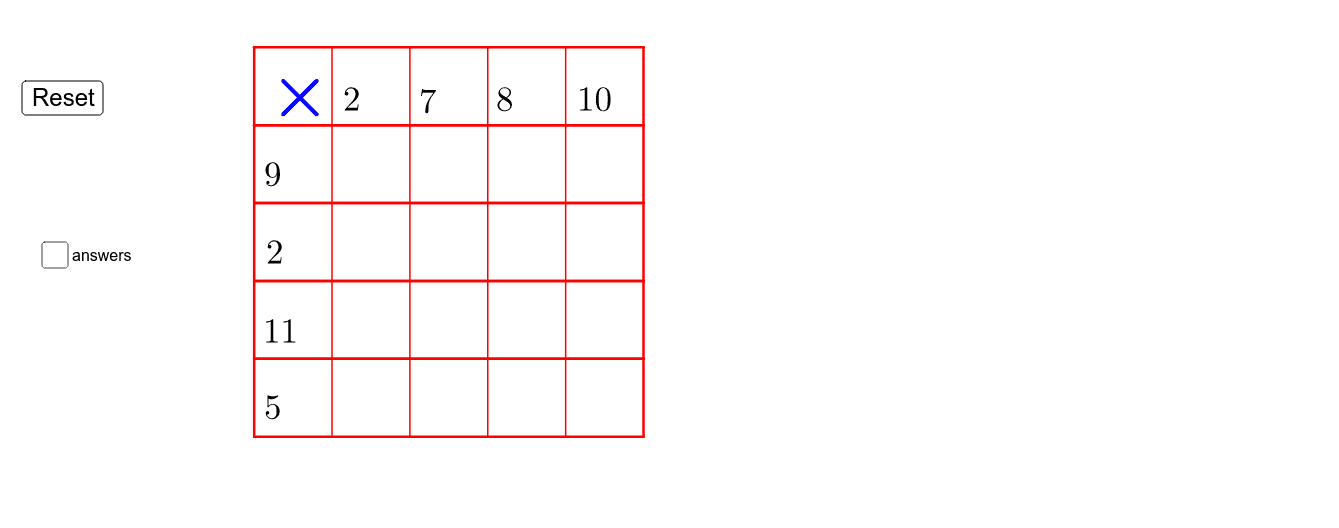
This example demonstrates the geometric representation of multiplication tables. It involves key mathematical concepts such as geometric construction and coordinate geometry. Using GeoGebra commands like Random, Point, Polygon, Segment, etc., it dynamically displays the geometric figures of multiplication tables. Suitable for high-grade elementary and junior high school students to learn geometry and sequences.
GeoGebra Commands & Parameters
Random(5, 7) → n2Random(8, 9) → n3Random(10, 12) → n4Random(7, 9) → n5Random(2, 4) → n6Random(10, 12) → n7Random(5, 7) → n8Random(2, 4) → n1Point(Circle[A, 1]) → BPolygon(A, B, C, D) → poly1, a_1, b_1, c, dPoint(Circle[A_1, 1]) → B_1Polygon(A_1, B_1, C_1, D_1) → poly1_1, a_2, b_2, c_1, d_1Point(Circle[A_2, 1]) → B_2Polygon(A_2, B_2, C_2, D_2) → poly1_2, a_3, b_3, c_2, d_2Point(Circle[A_4, 1]) → B_4Point(Circle[A_3, 1]) → B_3Polygon(A_3, B_3, C_3, D_3) → poly1_3, a_4, b_4, c_3, d_3Point(Circle[A_6, 1]) → B_6Point(Circle[A_5, 1]) → B_5Polygon(A_5, B_5, C_4, D_4) → poly1_4, a_5, b_5, c_4, d_4Point(Circle[A_8, 1]) → B_8Point(Circle[A_7, 1]) → B_7Point(d_3) → ESegment(E, F) → fPoint(d_3) → GSegment(G, H) → gPoint(d_3) → ISegment(I, J) → hPoint(d_3) → KSegment(K, L) → i
AI Drawing Prompt Reference
Draw a geometric representation of a multiplication table with four points A, A1, A2, and A4. Around each point, draw a unit circle and randomly select a point B, B1, B2, and B4 on each circle. Then, use these points to draw four quadrilaterals with random side lengths. Next, randomly select a point on each quadrilateral's edge and draw four line segments connecting these points to form a grid-like structure.
The prompt above was compiled from the original drawing commands and is for reference only.