
Multiplication Algorithm Using Area Model
Loading the math board and drawing, please wait…
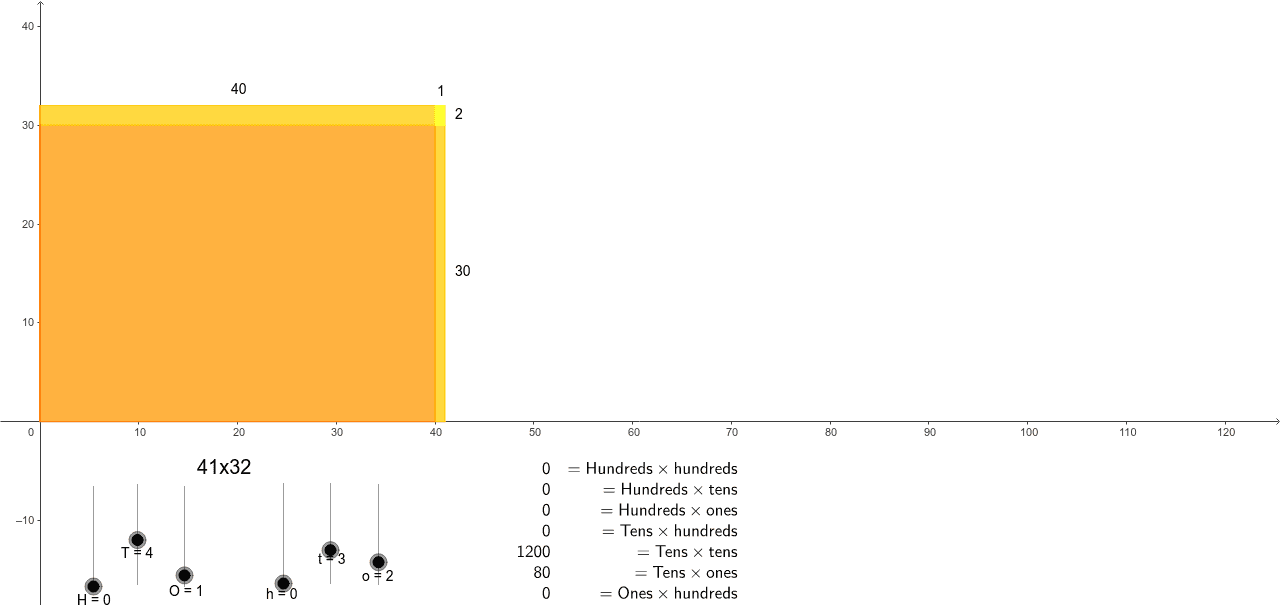
This example demonstrates how to multiply multi-digit numbers using the area model, visualized through rectangles. Key math concepts include integer multiplication, area calculation, and geometric modeling. It utilizes GeoGebra commands like Intersect, OrthogonalLine, Polygon, Midpoint, and TableText for construction. Suitable for elementary and middle school students learning multiplication, geometry, and mathematical modeling.
GeoGebra Commands & Parameters
Intersect(xAxis, yAxis) → IOrthogonalLine(H_1, yAxis) → aOrthogonalLine(E, yAxis) → bOrthogonalLine(D, yAxis) → cOrthogonalLine(C, xAxis) → dOrthogonalLine(F, xAxis) → eOrthogonalLine(G, xAxis) → fIntersect(a, d) → JIntersect(b, d) → KIntersect(c, d) → LIntersect(c, e) → MIntersect(b, e) → NIntersect(a, e) → O_1Intersect(b, f) → PIntersect(c, f) → QPolygon(D, I, C, L) → poly1, d_1, i, c_1, lPolygon(C, F, M, L) → poly2, c_2, f_1, m, l_1Polygon(F, G, Q, M) → poly3, f_2, g, q, m_1Polygon(P, N, M, Q) → poly4, p, n, m_2, q_1Polygon(N, K, L, M) → poly5, n_1, k, l_2, m_3Polygon(N, O_1, J, K) → poly6, n_2, o_2, j, k_1Polygon(K, J, H_1, E) → poly7, k_2, j_1, h_1, e_1Polygon(K, L, D, E) → poly8, k_3, l_3, d_2, e_2Intersect(a, f) → RPolygon(R, P, N, O_1) → poly9, r, p_1, n_3, o_1Midpoint(j_1) → SMidpoint(o_2) → T_1Midpoint(g) → UMidpoint(o_1) → VMidpoint(r) → WMidpoint(q_1) → ZTableText({{((H * h) * 10000), ((H * t) * 1000), ((H * o) * 100), ((T * h) * 1000), ((T * t) * 100), ((T * o) * 10), ((O * h) * 100), ((O * t) * 10), (O * o), (A * B)}, {"=Hundreds\times hundreds", "=Hundreds\times tens", "=Hundreds\times ones", "=Tens\times hundreds", "=Tens\times tens", "=Tens\times ones", "=Ones\times hundreds", "=Ones\times tens", "=Ones\times ones", "product"}}, "vr") → text1