
Moving Functions Practice: Visualizing Function Shifts with Parameters
Loading the math board and drawing, please wait…
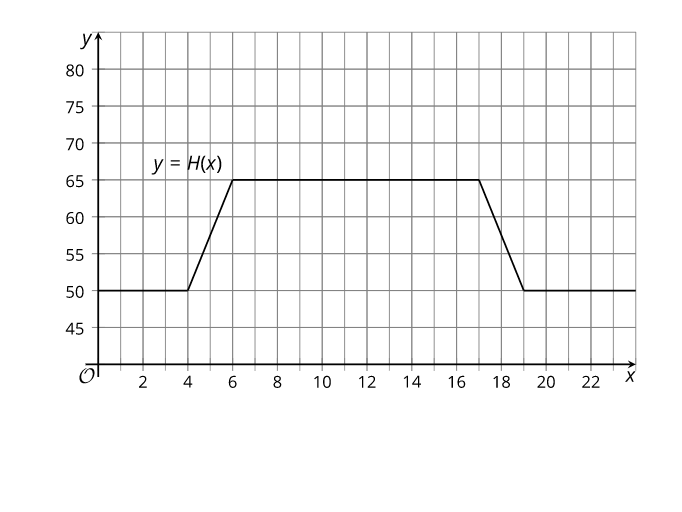
This example demonstrates the “moving functions” idea by dynamically transforming a function’s graph when parameters change, making it easy to see how algebraic modifications correspond to geometric changes on the coordinate plane. The key concepts are function transformation (e.g., translations and related graph movements), parameter-driven graphing, and the link between function expressions and their visual behavior. In GeoGebra, the construction typically starts with a function object to draw the base curve, then uses a parameter (such as a horizontal/vertical shift or scaling factor) to update the function expression so the graph moves accordingly. Slider animation is used to vary the parameters interactively, and—when applicable—transformation relationships are applied to map the original graph to the moved one. Since no GeoGebra command list is provided in the construction summary, the emphasis is on function plotting and parameter-controlled updates rather than special advanced operations. Suitable for upper secondary through early college learners, for classroom demonstrations, review, and exploratory practice in functions and coordinate geometry.
AI Drawing Prompt Reference
Draw a function graph and show how it moves as parameters change. Start by drawing the base curve, then adjust parameters to move the graph. Ensure the graph is clear and moves smoothly with parameter changes.
The prompt above was compiled from the original drawing commands and is for reference only.