
Mouse Coordinates and Graphing
Loading the math board and drawing, please wait…
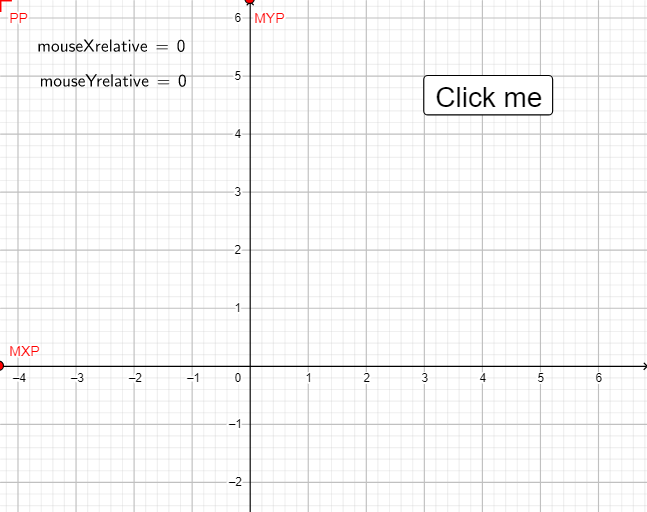
This example demonstrates how to obtain and display current mouse coordinates for graphing and coordinate system construction. Key mathematical concepts include coordinate geometry and mouse interaction. Construction involves GeoGebra commands like Corner, LaTeX, mouseXrelative, mouseYrelative, etc. Suitable for middle school and above, used to understand coordinate systems and object positioning.
GeoGebra Commands & Parameters
Corner(3) → BRCorner(1) → BLLaTeX(mouseXrelative, true, true) → tekst1LaTeX(mouseYrelative, true, true) → tekst2
AI Drawing Prompt Reference
Draw a coordinate system and display the mouse's current coordinates within it. First, define the coordinates of two corners of a rectangle, then show the horizontal and vertical coordinates of the mouse relative to the bottom-left corner in the coordinate system.
The prompt above was compiled from the original drawing commands and is for reference only.