
Monty Hall Game Simulation by Steve Phelps
Loading the math board and drawing, please wait…
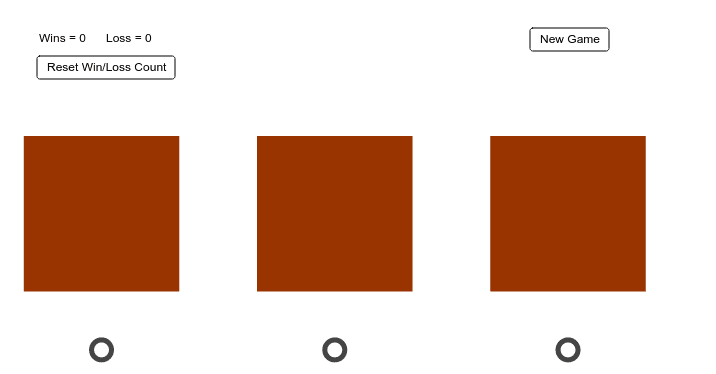
This example demonstrates the classic Monty Hall Game, simulating the door-switching process to illustrate probability phenomena. Core math concepts involve probability & statistics and decision analysis. Construction highlights include commands like Shuffle (random sorting), Polygon (polygon drawing), xcoor (coordinate retrieval), list1 (list management), and objects such as points A, B, C, text1, pic1, D, E, pic2, AA, BB, CC, button1, click, F, G, H, I, polyC, f, g, h, i, J, K, L, M, polyB, j, k, l, m, N, O, P, Q, polyA, d, e. Suitable for high school students learning probability & statistics or for probability teaching demonstrations.
GeoGebra Commands & Parameters
Shuffle(xcoor) → list1Polygon(C + ((-0.5), (-0.5)), C + (3.5, (-0.5)), C + (3.5, 3.5), C + ((-0.5), 3.5)) → polyC, f, g, h, iPolygon(B + ((-0.5), (-0.5)), B + (3.5, (-0.5)), B + (3.5, 3.5), B + ((-0.5), 3.5)) → polyB, j, k, l, mPolygon(A + ((-0.5), (-0.5)), A + (3.5, (-0.5)), A + (3.5, 3.5), A + ((-0.5), 3.5)) → polyA, d, e, n, p
AI Drawing Prompt Reference
Draw a simulation of the Monty Hall game showing three doors as colored squares, with a process demonstrating the probability change when switching doors, achieved through random sorting and coordinate transformations, and include text explaining the probability concepts.
The prompt above was compiled from the original drawing commands and is for reference only.