
Measuring Dilations Practice: Verifying Scale Change with Constructed Polygons
Loading the math board and drawing, please wait…
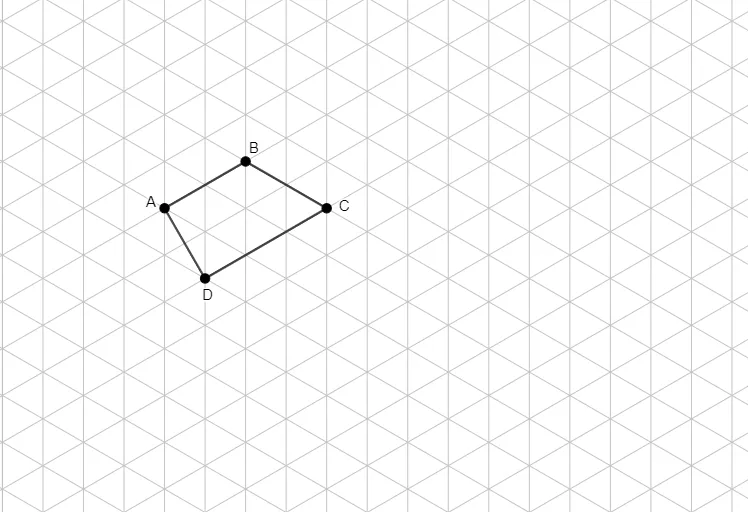
This example demonstrates how to perform and measure dilations (geometric scaling) by comparing an original polygon with its dilated image. It emphasizes the geometric phenomenon that corresponding points and lengths change by a consistent scale factor. The key math concepts are: dilation as a transformation, a center-based scaling ratio, correspondence of vertices, and the proportional relationship between corresponding segments after measurement. Construction-wise, the example uses GeoGebra’s Polygon command to build the original polygon from vertices A, B, C, D, and then constructs the dilated counterparts using objects q1 and points a, b, c, d to enable side-by-side measurement and ratio verification. Suitable for middle and high school geometry lessons, transformation units, and student practice focused on building intuition through measurement and visual confirmation.
GeoGebra Commands & Parameters
Polygon(A, B, C, D) → q1, a, b, c, d
AI Drawing Prompt Reference
Draw a quadrilateral ABCD, then create a new quadrilateral a'b'c'd' by scaling it up or down from a center point, ensuring the ratio of corresponding sides is the same. First, draw quadrilateral ABCD, then choose a center point as the scaling center, and scale quadrilateral ABCD up or down to create a new quadrilateral a'b'c'd'. Finally, measure and compare the lengths of corresponding sides of the two quadrilaterals to verify if their ratios are consistent.
The prompt above was compiled from the original drawing commands and is for reference only.