
Maximizing Volume in Geometry and Calculus
Loading the math board and drawing, please wait…
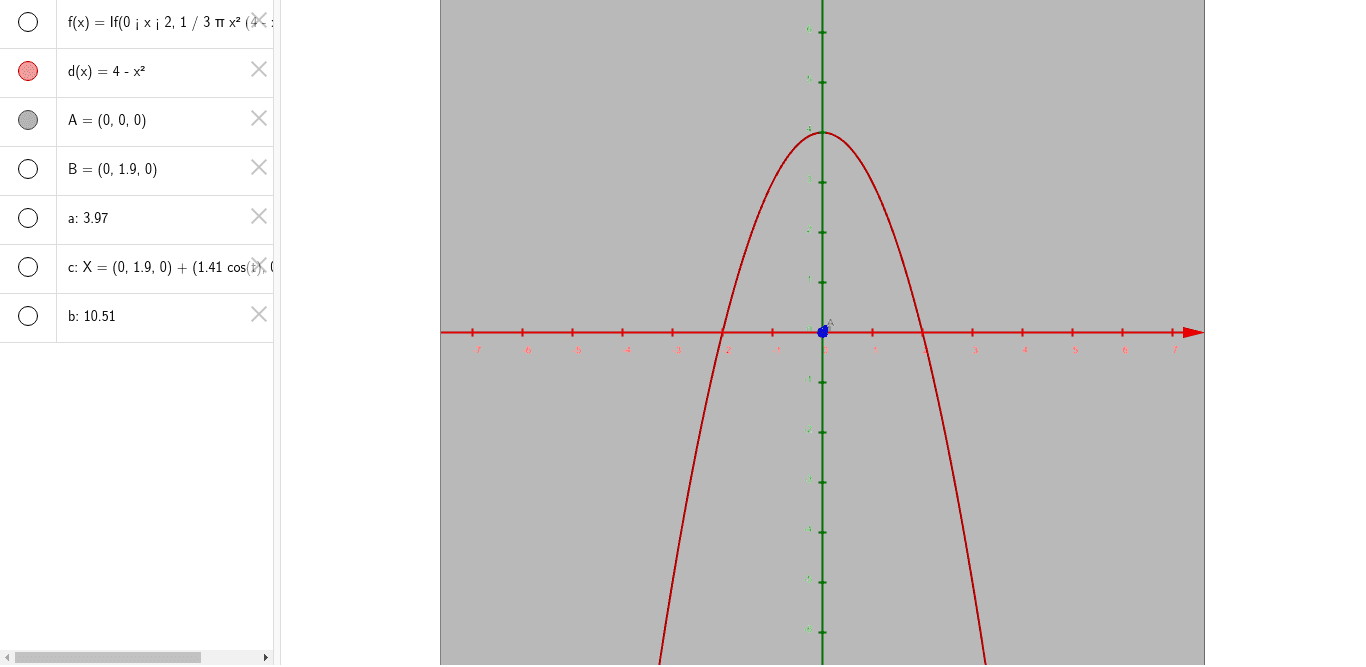
This example demonstrates how to optimize the volume of a solid using geometric construction and calculus. Key mathematical concepts include integral calculation, geometric volume formulas, and parameter optimization. The construction involves using GeoGebra commands like Intersect, Point, and Cone to create cone intersections and adjust parameters a, b, c to observe volume changes. Suitable for high school students learning calculus and geometry applications, or for mathematical modeling teaching.
GeoGebra Commands & Parameters
Intersect(f, xAxis, (1.0000000000000002E-8, 4.188790204786392E-16)) → APoint(yAxis) → BCone(B, A, sqrt(2)) → a, c, b
AI Drawing Prompt Reference
Draw the intersection point of a cone with the x-axis, then plot a point on the y-axis. Next, create a cone with the point on the y-axis as the vertex, the intersection point as the center of the base, and the base radius equal to the square root of 2. Adjust parameters to observe changes in the cone's volume, demonstrating geometric construction and calculus-based optimization.
The prompt above was compiled from the original drawing commands and is for reference only.