
Matrix Reflections: Symmetric Mapping of Triangles on Coordinate Plane
Loading the math board and drawing, please wait…
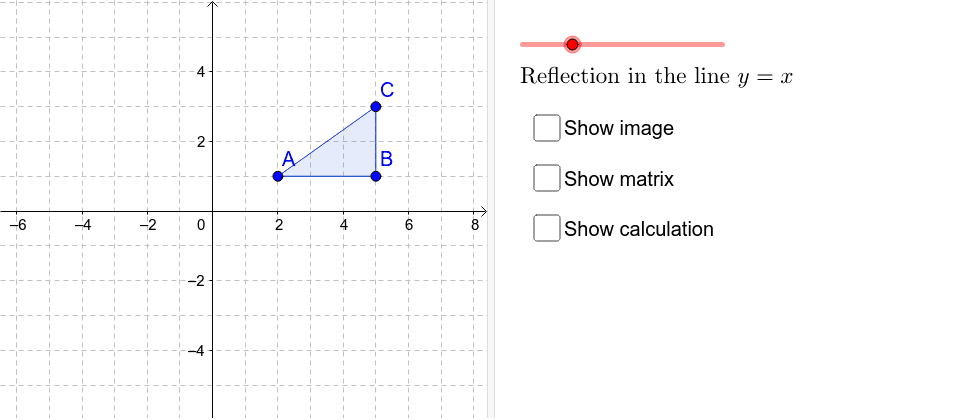
This example demonstrates how to achieve geometric reflections using matrix transformations. Taking triangle ABC as the object, the ApplyMatrix command applies reflection matrices to map the original triangle into its symmetric image across coordinate axes or lines. Core mathematical concepts include: matrix transformations, linear mappings, and the geometric interpretation of reflection. Construction points: ① Create triangle ABC using the Polygon command; ② Construct angle bisectors or symmetry axes as reflection references; ③ Apply reflection matrices via ApplyMatrix command (e.g., matrix [1,0;0,-1] for x-axis reflection or [0,1;1,0] for line y=x); ④ Observe the positional relationship between the original figure and its image. Suitable for high school and above, this example helps students understand the geometric meaning of matrices and master fundamental properties of linear transformations, serving as an intuitive teaching material for vectors and matrices.
GeoGebra Commands & Parameters
Polygon(A, B, C) → poly1, c, a, bApplyMatrix(M, A) → A'ApplyMatrix(M, B) → B'ApplyMatrix(M, C) → C'Polygon(A', B', C') → poly1', c', a', b'LineBisector(A, A') → e