
Manual Triangle Dilation: Parameter-Controlled Vertex Scaling
Loading the math board and drawing, please wait…
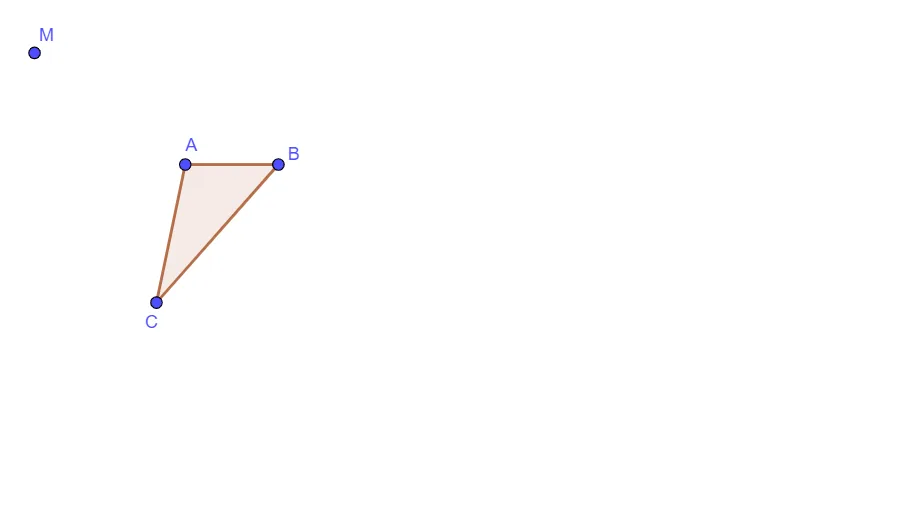
This example demonstrates how to perform a manual dilation (homothety) on a given triangle by controlling the scale with a parameter, showing how the new triangle’s vertices correspond to the original ones. It focuses on key ideas such as geometric similarity, the dilation ratio, correspondence of points under a center-based scaling, and the linear dependence of the transformed points on the parameter. The construction emphasizes parameter-driven placement of points (e.g., using a center point like M and a scale parameter such as t1) and then forms the resulting shape. In GeoGebra, it uses the Polygon command to construct and display the triangle/polyline through objects including M, A, B, C, t1, c, a, and b, where the parameters and intermediate points determine the dilated vertices. Suitable for middle and high school geometry, lessons on similarity and transformation, and classroom/individual exploration of how linear functions relate to geometric transformations.
GeoGebra Commands & Parameters
Polygon(A, B, C) → t1, c, a, b
AI Drawing Prompt Reference
Draw a triangle ABC, then perform a dilation centered at point M with parameter t1 to create a new triangle A'B'C'. First, draw triangle ABC, then use point M and parameter t1 to determine the positions of the new triangle's vertices, and finally connect these vertices with a polygon.
The prompt above was compiled from the original drawing commands and is for reference only.