
Mandala Construction
Loading the math board and drawing, please wait…
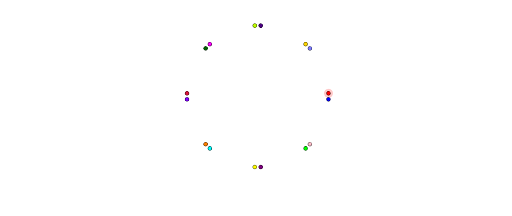
This example demonstrates the dynamic construction and transformation of a mandala pattern, involving geometric transformations like rotation and reflection, angle bisectors, polygon construction, and coordinate geometry relationships. Key GeoGebra commands and objects used include Line, Point, OrthogonalLine, Rotate, AngularBisector, and Mirror, as outlined in the construction summary. Suitable for high school students learning geometric transformations, coordinate geometry, and polygon properties, this resource is ideal for classroom instruction or independent exploration.
GeoGebra Commands & Parameters
Line(A, B) → fPoint(f) → COrthogonalLine(C, f) → gRotate(g, 45°, C) → g'Rotate(f, 45°, C) → f'AngularBisector(f', g) → h, iAngularBisector(g, g') → j, kMirror(D, g') → D'Mirror(D', i) → D''Mirror(D'', f) → D'''Mirror(D''', k) → EMirror(E, f') → E'Mirror(E', h) → E''Mirror(E'', g) → E'''Mirror(E''', j) → FMirror(F, g') → F'Mirror(F', i) → F''Mirror(F'', f) → F'''Mirror(F''', k) → GMirror(G, f') → G'Mirror(G', h) → G''Mirror(G'', g) → G'''
AI Drawing Prompt Reference
Draw a dynamic mandala pattern featuring geometric transformations like rotations and reflections, angle bisectors, polygon constructions, and coordinate geometry relationships. Start by drawing a line segment, then find a point on it and a perpendicular line. Rotate the perpendicular line and the original segment by 45 degrees. Use the angle bisectors of the rotated and original lines to create new lines, and then generate a complex symmetric pattern through a series of reflections over specific lines.
The prompt above was compiled from the original drawing commands and is for reference only.