
Locus 2
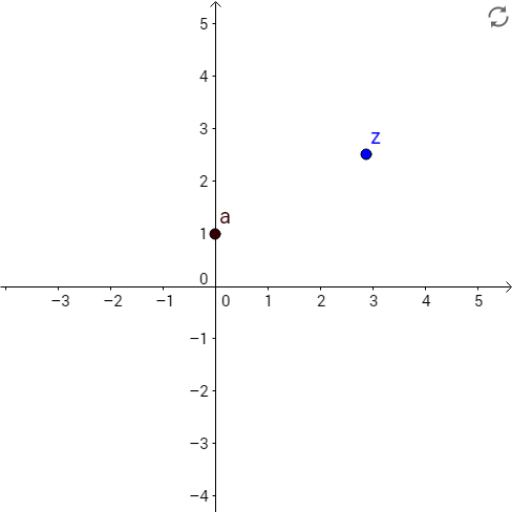
Loading the math board and drawing, please wait…
In collections
AS Further Maths - Complex Numbers
This example demonstrates the process of generating loci. Key mathematical concepts include geometric transformations and loci. Using GeoGebra commands such as Segment, Line, Point, Rotate, etc., complex geometric shapes can be constructed. Suitable for high school mathematics education and learning.
GeoGebra Commands & Parameters
Segment(z_1, a) → iLine(a, xAxis) → fPoint(f) → ARotate(A, α, a) → A'Angle(A, a, A') → βRay(a, A') → gOrthogonalLine(z_1, g) → hIntersect(h, g) → BSegment(z_1, B) → jAngle(A, a, z_1) → γIf(imaginary(z_1) < imaginary(a), "-", "") → text9
AI Drawing Prompt Reference
Draw a geometric locus diagram: start with a segment, then construct a horizontal line through one endpoint. Place a point on this line, rotate it around the segment's endpoint by a fixed angle to get a rotated point, and draw a ray from the endpoint through the rotated point. From the other endpoint of the original segment, construct a perpendicular line to this ray, and mark their intersection. Connect this intersection back to the other endpoint to form a new segment. Finally, add a plus or minus sign near the diagram based on the relative vertical positions of the two original endpoints, indicating the rotation direction or angle sign.
The prompt above was compiled from the original drawing commands and is for reference only.