
Linear Programming Problem
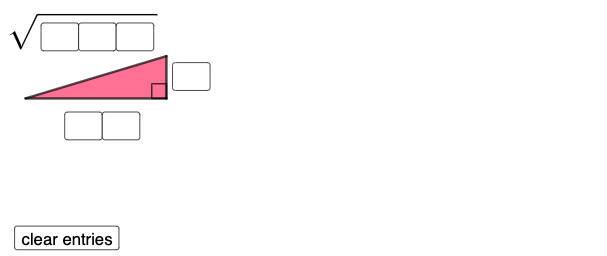
Loading the math board and drawing, please wait…
This example demonstrates a linear programming problem, finding the optimal solution by adjusting variable values. Key mathematical concepts include linear functions, objective functions, and constraints. It uses GeoGebra objects like Polygon, Segment, Circle, and Point for construction. Suitable for high school math education and students learning linear programming.
GeoGebra Commands & Parameters
Textfield(a) → InputBox1Textfield(b) → InputBox2Textfield(c) → InputBox3Textfield(d) → InputBox4Textfield(f) → InputBox5Textfield(g) → InputBox6Polygon(A, B, C) → t1, c_1, a_1, b_1Segment(C, B) → hSegment(B, A) → iSegment(A, C) → jAngle(C, B, A) → αCircle(D, (10 * a) + b) → ePoint(e) → ECircle(E, c) → kSegment(D, E) → lIf(Length[Mode[l1]] ≟ 0, "No digits repeat!", "Repeated digits exist.") → text4Mirror(E, l) → E'Mirror(D, l) → D'Mirror(E, l) → E'_{1}Mirror(D, l) → D'_{1}Circle(D, sqrt((100 * d) + (10 * f) + g)) → qIntersect(k, q, 2) → FSegment(D, F) → mSegment(F, E) → nAngle(F, E, D) → βPolygon(D, E, F) → t2, f_1, d_1, e_1
AI Drawing Prompt Reference
Draw a linear programming problem illustration, including a polygon formed by three points, and circles and segments based on input parameters. Start by drawing a triangle, then create a circle with a radius determined by the inputs. Find the intersection points of this circle with another. Next, perform mirror operations to create new points and circles, and finally connect the key points to form a new polygon, showing the optimal solution in linear programming.
The prompt above was compiled from the original drawing commands and is for reference only.