
Linear Programming Exploration
Loading the math board and drawing, please wait…
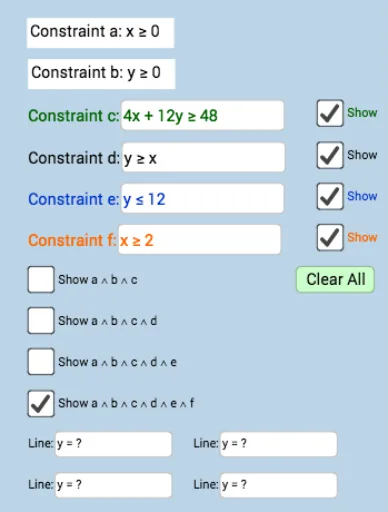
This example demonstrates how to construct linear programming models using GeoGebra, showing the dynamic changes of the feasible region. Key mathematical concepts include linear inequalities, objective function optimization, and feasible set analysis. Construction involves commands like Textfield, Intersect, PointIn, and InputBox elements. Suitable for high school students or college undergraduates to learn linear programming fundamentals and geometric intuition.
GeoGebra Commands & Parameters
Textfield(i) → InputBox2Intersect(i, xAxis) → APoint(i) → BTextfield(a) → InputBox4Textfield(d) → InputBox5Textfield(e) → InputBox6Textfield(f) → InputBox7Textfield(t) → InputBox1Textfield(f_1) → InputBox3Textfield(g_1) → InputBox8Textfield(h_1) → InputBox9PointIn(o) → E
AI Drawing Prompt Reference
Draw a linear programming model with two lines l1 and l2, and their intersection point E. Input the equation of l1 as ax+by+c=0, the equation of l2 as dx+ey+f=0, and the objective function t. Adjust the parameters to observe changes in the feasible region.
The prompt above was compiled from the original drawing commands and is for reference only.