
Linear Equations with Brackets and Fractional Coefficients Tutorial
Loading the math board and drawing, please wait…
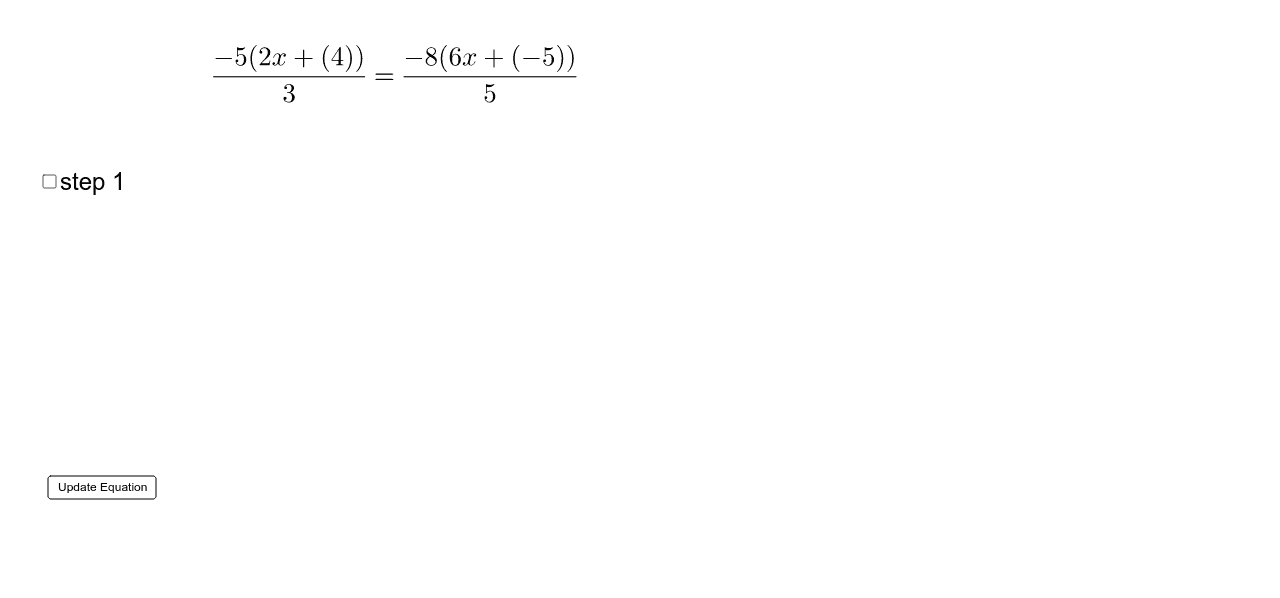
This example demonstrates how to solve linear equations with brackets and fractional coefficients step by step using GeoGebra. The core math concepts involved include equation simplification, substitution method, and solving systems of linear equations. Construction highlights: The example uses commands like Element, Vector, FractionText, and objects such as list, a, b, c, d, e, f, k, m, text1, text2, A, B, u, C, D, v, text3, s1, text4, i, j, s2, text6, text7, ic, je, text8, ans, text10, g, button1, text5, text9. Suitable for middle school and above students learning linear equation solving, ideal for classroom demonstrations or homework practice.
GeoGebra Commands & Parameters
Element(list, Random[1, 12]) → aElement(list, Random[1, 14]) → bElement(list, Random[1, 14]) → cElement(list, Random[1, 14]) → dElement(list, Random[1, 14]) → eElement(list, Random[1, 14]) → fElement(list, Random[1, 14]) → kElement(list, Random[1, 14]) → mVector(A, B) → uVector(C, D) → vFractionText(((j * k) - (i * d)) / (ic - je)) → ans
AI Drawing Prompt Reference
Draw a coordinate system with two lines. One line has the equation (j*k - i*d) / (ic - je) = y, and the other line has the equation ax + by = c. Use random coefficients a, b, c, d, e, f, k, m, i, j, ic, and je to construct these two lines. Also, use vectors u and v to represent lines AB and CD respectively.
The prompt above was compiled from the original drawing commands and is for reference only.