
Line Segment Example
Loading the math board and drawing, please wait…
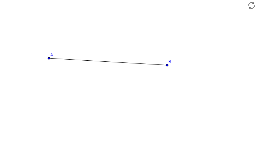
This example demonstrates complete control over available tools in GeoGebra. It shows the construction of a line segment, involving the basic concept of a line segment. The Segment command is used to create line segment AB. Suitable for middle school and above students learning geometric construction.
GeoGebra Commands & Parameters
Segment(A, B) → a
AI Drawing Prompt Reference
Draw a line segment AB, with point A at the origin of the coordinate system and point B on the x-axis, 5 units away from the origin. First create point A, then create point B, and finally use the segment tool to connect A and B.
The prompt above was compiled from the original drawing commands and is for reference only.