
Line and Vector
Loading the math board and drawing, please wait…
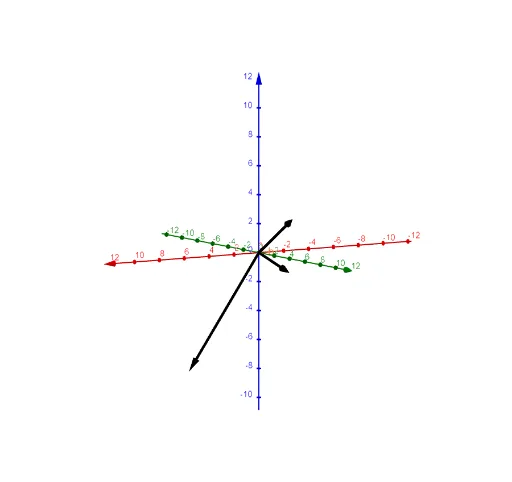
This example demonstrates the basic concepts of lines and vectors. By constructing lines and vectors, students can understand the direction and length of vectors, and how to represent lines using vectors. The construction uses GeoGebra commands such as Line and Sequence. Suitable for students in middle school and above to learn coordinate geometry and vectors.
GeoGebra Commands & Parameters
Line(B, u) → fLine(B, v) → gLine(B, w) → hSequence(Translate[f, Vector[(k * v)]], k, -5, 5) → l1Sequence(Translate[l1, Vector[(k * w)]], k, -5, 5) → l2Sequence(Translate[g, Vector[(k * u)]], k, -5, 5) → l3Sequence(Translate[l3, Vector[(k * w)]], k, -5, 5) → l4Sequence(Translate[h, Vector[(k * v)]], k, -5, 5) → l5Sequence(Translate[l5, Vector[(k * u)]], k, -5, 5) → l6
AI Drawing Prompt Reference
Draw a line f through point B with direction vector u, then draw a line g through point B with direction vector v, and finally draw a line h through point B with direction vector w. Next, translate line f 5 times along vector v, each time by a distance of k times vector v, to get a set of parallel lines l1. Then, translate l1 5 times along vector w, each time by a distance of k times vector w, to get a set of parallel lines l2. Repeat the above steps, starting with g and h, and translating along u and w to get parallel lines l3 to l6.
The prompt above was compiled from the original drawing commands and is for reference only.