
Level Curves from 3D Surfaces (Different Layout)
Loading the math board and drawing, please wait…
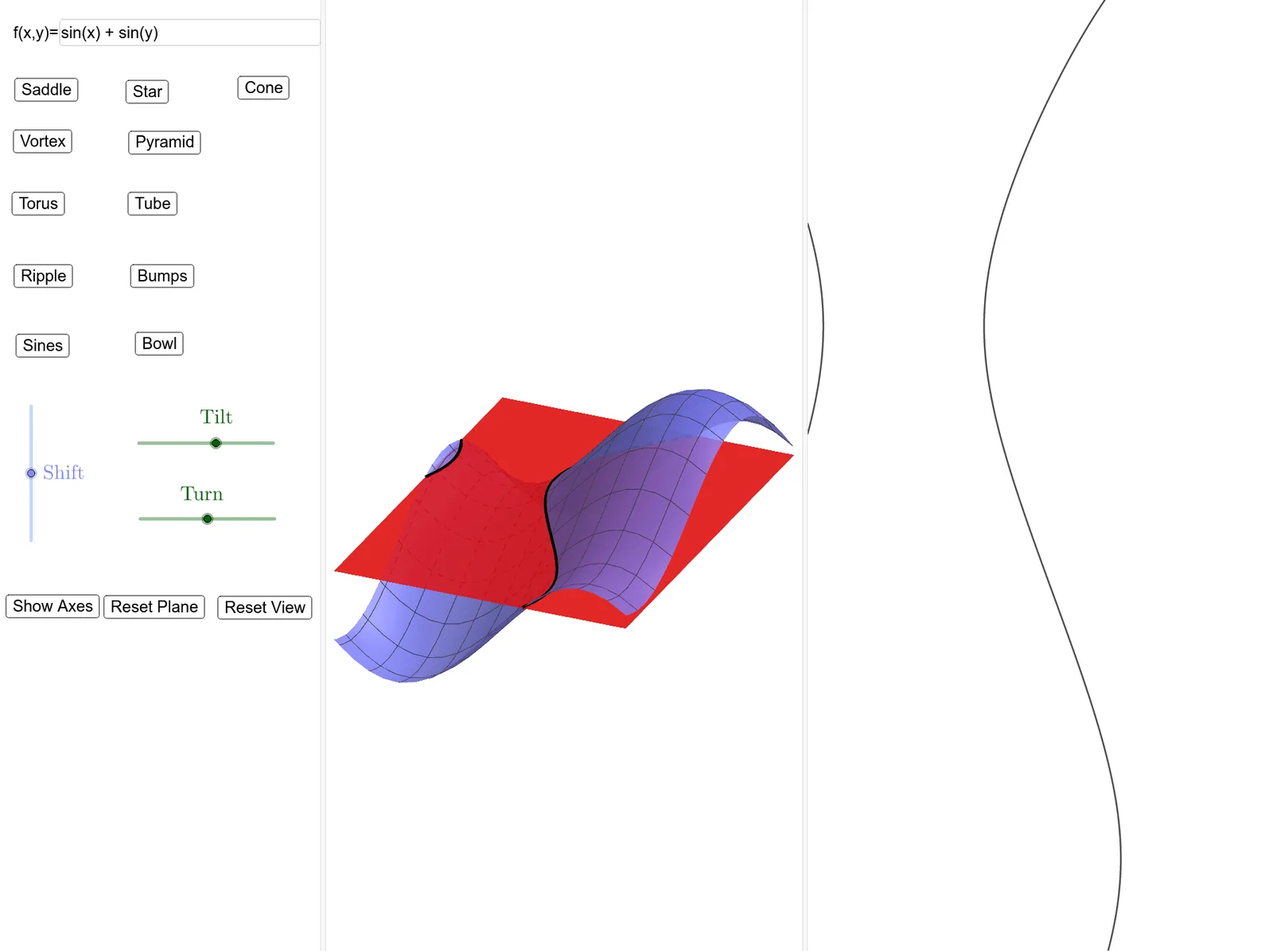
This example demonstrates the visualization of level curves from 3D surfaces with varying layouts. It involves core mathematical concepts such as 3D surfaces, contour lines, trigonometric functions, and integral calculus. The construction utilizes GeoGebra commands and objects like Translate, IntersectPath, Textfield, CornerThreeD, and Corner. It is suitable for university-level mathematics and engineering students studying spatial geometry and calculus.
GeoGebra Commands & Parameters
Translate(Rotate[Rotate[Plane[(0, 1, 0), xAxis], tilt, xAxis], turn, zAxis], Vector[(0, 0, shift)]) → PlaneIntersectPath(Plane, a) → eq1Textfield(a) → InputBox1CornerThreeD(-1, 1) → BottomLeftCornerThreeD(-1, 2) → BottomRightCornerThreeD(-1, 3) → TopRightCornerThreeD(-1, 4) → TopLeftCorner(4, 1) → A