
Law of Sines by Mathguru
Loading the math board and drawing, please wait…
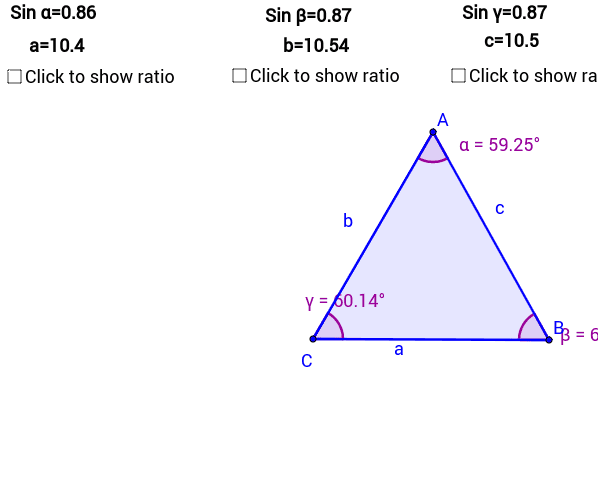
This example illustrates the Law of Sines, showing the ratio of the sine of an angle to the length of the opposite side in a triangle. By adjusting the triangle's sides and angles, students can intuitively understand the core concept of the Law of Sines. The construction uses Polygon, Angle, Polygon, c, a, b, α, β, γ, text1, text2, text3, text4, text5, text6, d, e, f, text8, text9, text7 commands and objects in GeoGebra. Suitable for middle school and above students learning trigonometry and geometric construction.
GeoGebra Commands & Parameters
Polygon(A, B, C) → poly1, c, a, bAngle(C, A, B) → αAngle(A, B, C) → βAngle(B, C, A) → γ
AI Drawing Prompt Reference
Draw a triangle ABC, then measure the degrees of angles A, B, and C, and label the ratio of the sine of each angle to the length of the opposite side next to them to help understand the Law of Sines.
The prompt above was compiled from the original drawing commands and is for reference only.