
Law of Cosine: What is the Excess?
Loading the math board and drawing, please wait…
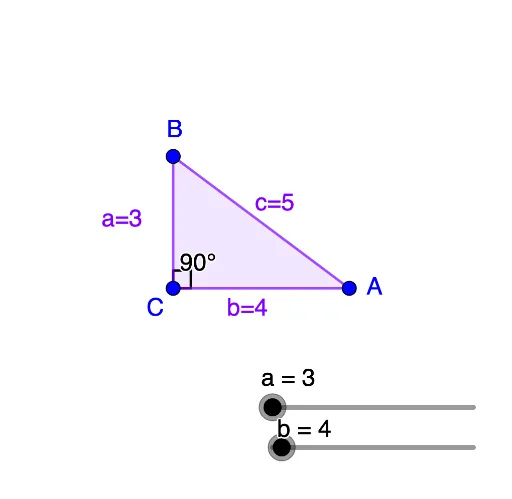
This example demonstrates the relationship between angles and sides in a triangle using the Law of Cosine. Key mathematical concepts include trigonometry and the Law of Cosine. Construction highlights include using the Sequence command to generate a series of points, the Point command to create points, the Polygon command to draw polygons, the Angle command to measure angles, and the FitSin command to fit a sine function. Suitable for high school mathematics education and students learning the Law of Cosine.
GeoGebra Commands & Parameters
Sequence(((a * cos(w)), (a * sin(w))), w, π / 36, π - π / 36, π / 36) → l1Point(l1) → BPolygon(A, B, C) → t1, c, a_1, b_1Angle(A, C, B) → angleCSequence((w, (((-2 * a) * b) * cos(w))), w, 5°, 175°, 5°) → l2FitSin(l2) → fSimplify(g) → hLaTeX(h, true, true) → text2
AI Drawing Prompt Reference
Draw a triangle ABC where angle C is calculated using the Law of Cosines. Generate a series of points using the Law of Cosines and use these points to draw the triangle. Then measure the size of angle C and fit a sine curve.
The prompt above was compiled from the original drawing commands and is for reference only.