
Kite Exploration by atreitman
Loading the math board and drawing, please wait…
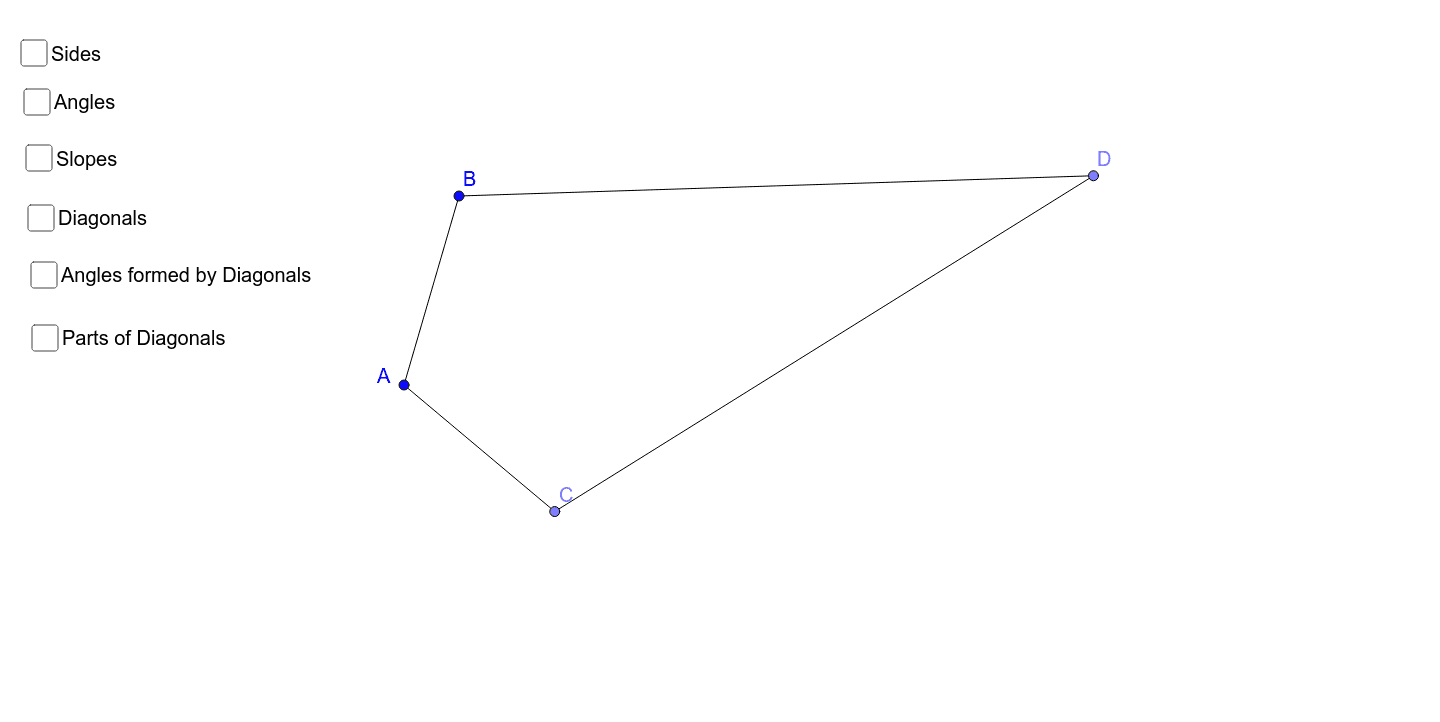
This example demonstrates the properties of a kite. Key mathematical concepts include the diagonal properties, angle relationships, and segment length calculations of a kite. Using GeoGebra commands such as Segment, Circle, and Point, one can dynamically construct a kite and observe its changes. Suitable for middle school and above students or teachers.
GeoGebra Commands & Parameters
Segment(A, B) → aCircle(A, B) → cPoint(c) → CSegment(A, C) → bAngularBisector(a, b) → d, ePoint(d) → DCircle(D, B) → fSegment(B, D) → gSegment(C, D) → hDistance(A, B) → distanceABDistance(B, D) → distanceBDDistance(D, C) → distanceDCDistance(C, A) → distanceCAAngle(A, B, D) → αAngle(B, D, C) → βAngle(D, C, A) → γAngle(C, A, B) → δSlope(g) → mSlope(a) → m_1Slope(b) → m_2Slope(h) → m_3Segment(A, D) → lSegment(B, C) → nIntersect(l, n) → EAngle(B, E, A) → ζAngle(E, A, B) → ηAngle(A, B, E) → θAngle(E, B, D) → εAngle(B, D, E) → ιAngle(D, E, B) → κAngle(E, D, C) → λAngle(D, C, E) → μAngle(C, E, D) → νAngle(E, C, A) → ξAngle(C, A, E) → οAngle(A, E, C) → ρDistance(B, E) → distanceBEMidpoint(B, E) →Distance(E, D) → distanceEDMidpoint(E, D) →Distance(E, C) → distanceECMidpoint(E, C) →Distance(E, A) → distanceEAMidpoint(E, A) →