
Isosceles Trapezoid Construction by youngcar
Loading the math board and drawing, please wait…
In collections
Rotational Symmetry 1
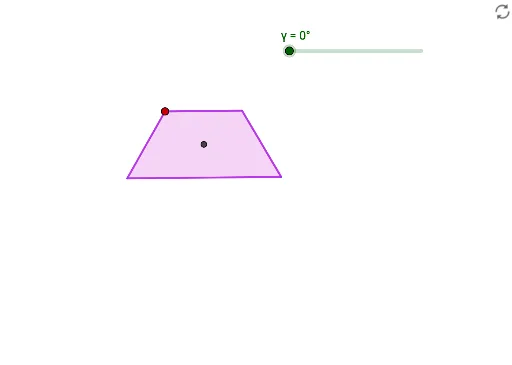
This example demonstrates the geometric construction and properties of an isosceles trapezoid. Key math concepts include polygons, angles, midpoints, and rotations. Construction highlights involve commands like Rotate, Angle, Polygon, and Midpoint in GeoGebra. Suitable for high school mathematics education or geometric construction learning.
GeoGebra Commands & Parameters
Rotate(B, (-(120°)), A) → B'Angle(B', A, B) → αRotate(A, 120°, B) → A'Angle(A, B, A') → βPolygon(A, B', A', B) → q1, a, b', a', bMidpoint(A, B) → CMidpoint(B', A') → DMidpoint(D, C) → ERotate(A, γ, E) → A'_1Rotate(B', γ, E) → B''Rotate(A', γ, E) → A''Rotate(B, γ, E) → B'_1Polygon(A'_1, B'', A'', B'_1) → q1', a'_1, b'', a'', b'_1
AI Drawing Prompt Reference
Draw an isosceles trapezoid by constructing two parallel and two non-parallel line segments, then rotate parts to form the legs of the trapezoid, labeling key angles and sides. Connect the vertices to complete the trapezoid, find midpoints, and draw lines between them. Rotate these segments to create a congruent trapezoid, highlighting symmetry.
The prompt above was compiled from the original drawing commands and is for reference only.