
Isosceles Trapezoid Checkboxes Interactive Exploration
Loading the math board and drawing, please wait…
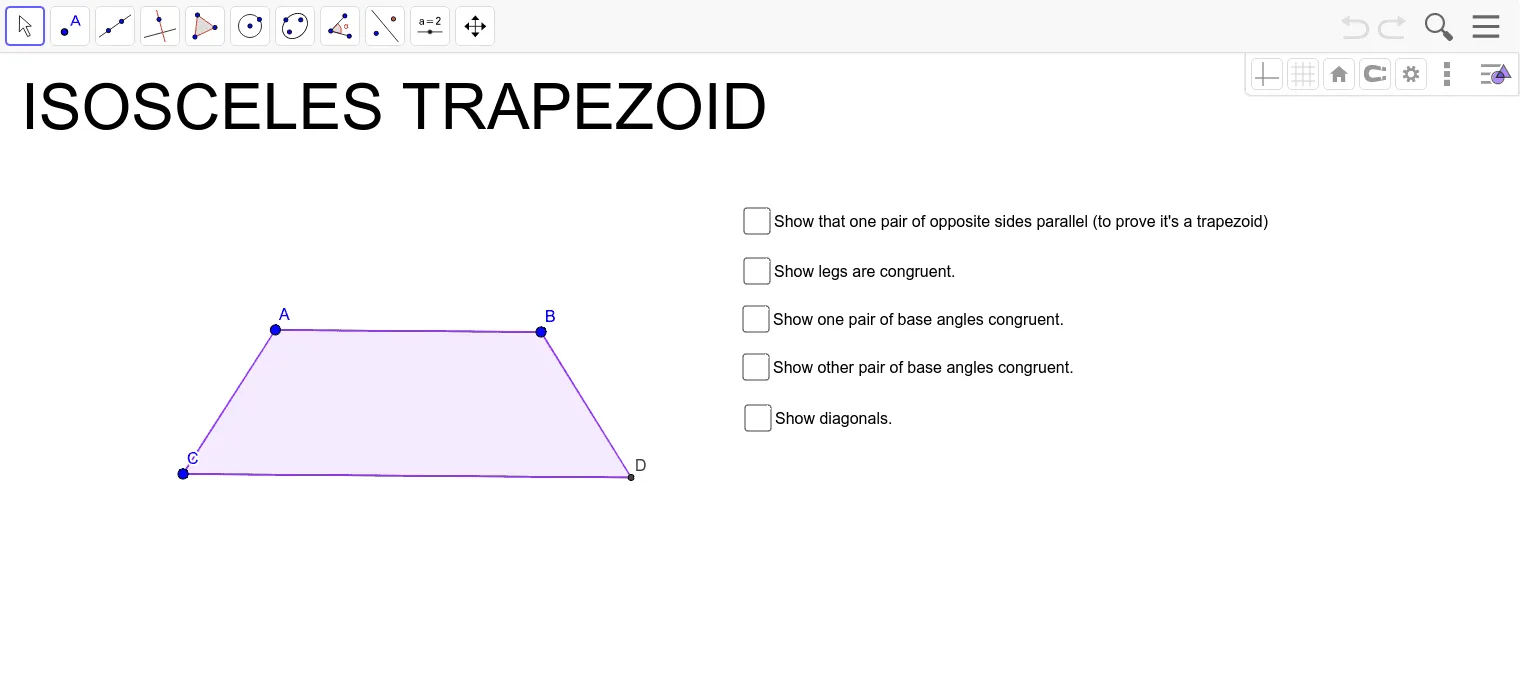
This GeoGebra example uses checkboxes to dynamically control the construction of an isosceles trapezoid, allowing students to explore its properties interactively. The core mathematical concepts include the definition of an isosceles trapezoid (equal legs, equal base angles), the relationships between geometric objects, and the use of conditional visibility in dynamic geometry. Construction details: the example employs GeoGebra commands such as Segment, Line, Circle, Intersect, Polygon, and Angle to build the figure, with checkboxes toggling auxiliary elements like diagonals and heights. Measurements of angles and slopes help verify properties. Suitable for middle or high school geometry lessons, this resource aids in discovering symmetry, diagonal properties, and area formulas, and can serve as an interactive demonstration or student exploration tool.
GeoGebra Commands & Parameters
Segment(A, B) → fLine(C, f) → gCircle(A, C) → cCircle(B, Segment[A, C]) → dIntersect(d, g, 2) → DSegment(B, D) → hSegment(A, C) → iSegment(C, D) → jSlope(f) → mSlope(j) → m_1Slope(h) → m_2Slope(i) → m_3Polygon(A, B, D, C) → poly1, a_1, b_1, d_1, c_1Angle(D, C, A) → αAngle(B, D, C) → βAngle(C, A, B) → γAngle(A, B, D) → δSegment(C, B) → nSegment(A, D) → p