
Investigating the Circumcircle of a Triangle
Loading the math board and drawing, please wait…
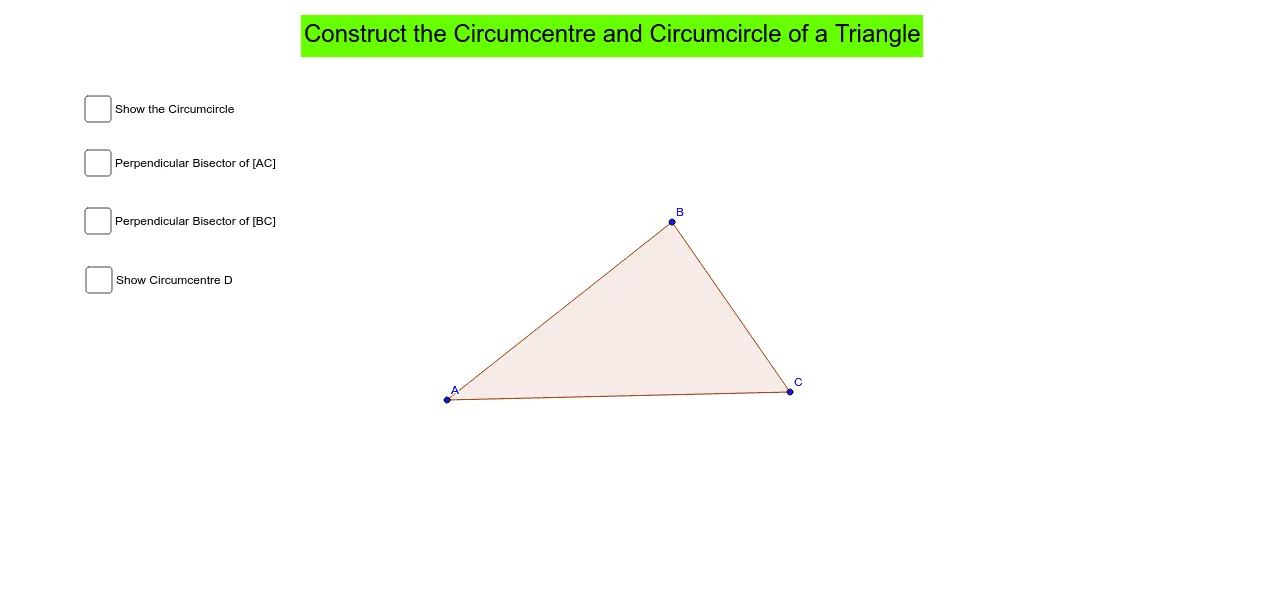
①This example dynamically constructs the circumcircle of a triangle, visually demonstrating that the three vertices lie on a common circle, and allows users to drag vertices to observe how the circumcircle changes.②Core mathematical concepts include the circumcircle, perpendicular bisectors, intersection points, isosceles triangles, and the relationship between a circle and a triangle, involving geometric construction and locus thinking.③Construction highlights: using GeoGebra commands Polygon to create triangle ABC, LineBisector to construct perpendicular bisectors of sides, Intersect to find their intersection (the circumcenter), and Circle to draw the circumcircle centered at that point with radius to any vertex; objects include A, B, C, poly1, c, a, b, d, e, D, f, g, h, i, j, and text1, where text1 likely displays dynamic information such as circumcenter coordinates or radius.④Suitable for middle and high school students learning circle and triangle properties, and for teachers demonstrating the dynamic link between the circumcircle and triangle vertices, helping to understand the circumcenter, perpendicular bisectors, and fundamental circle properties.
GeoGebra Commands & Parameters
Polygon(A, B, C) → poly1, c, a, bLineBisector(A, C) → dLineBisector(C, B) → eIntersect(d, e) → DCircle(D, B) → f
AI Drawing Prompt Reference
Draw a triangle and construct its circumcircle. Start by plotting three vertices and connecting them to form a triangle. Then, construct the perpendicular bisectors of two sides of the triangle; these two lines will intersect at a point, which is the circumcenter. Finally, draw a circle centered at this intersection point with radius equal to the distance from the center to any vertex. This circle will pass through all three vertices, visually demonstrating that the triangle's vertices lie on a common circle.
The prompt above was compiled from the original drawing commands and is for reference only.