
Investigating Planes by Richard Jones
Loading the math board and drawing, please wait…
In collections
Chapter 1
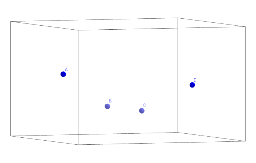
This example demonstrates how to construct a plane using points A, B, C, and D. Key mathematical concepts include the definition and properties of planes. Using the Point command in GeoGebra, users can dynamically explore the characteristics of planes. Suitable for high school and above students or teachers to understand basic concepts of plane geometry.
GeoGebra Commands & Parameters
Point(yAxis) → BPoint(yAxis) → C
AI Drawing Prompt Reference
Draw a horizontal line and a vertical line in a coordinate system that intersect at the origin. Select two arbitrary points on the horizontal line and two arbitrary points on the vertical line. Connect these four points to form a quadrilateral. Observe the shape and properties of the quadrilateral to understand the definition and characteristics of planes in geometry.
The prompt above was compiled from the original drawing commands and is for reference only.