
Introduction to Parametric Equations: Interactive Exploration
Loading the math board and drawing, please wait…
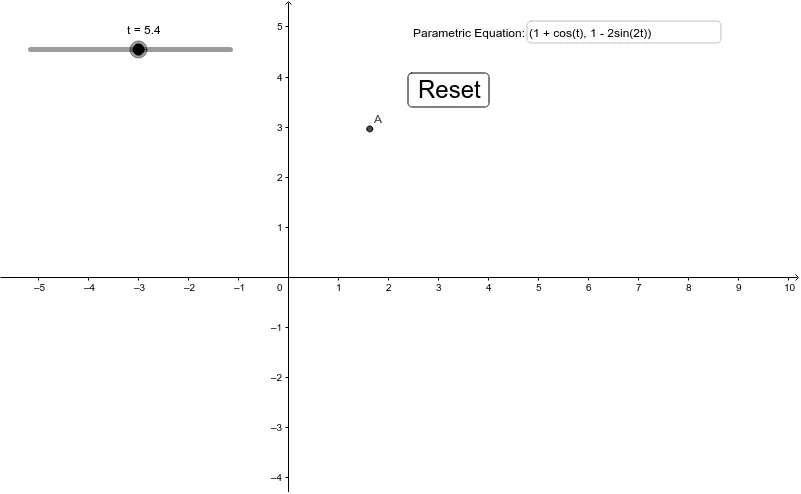
① This GeoGebra example provides an interactive introduction to parametric equations, visually demonstrating how a point A traces a curve as the parameter t varies, making the abstract concept tangible. ② Core mathematical concepts include the definition of parametric equations, the geometric meaning of the parameter, and the connection between parametric and Cartesian representations. ③ Construction highlights: a Textfield is used for parameter input, with objects t, A, inputBox1, and button2 enabling dynamic control; users can type different parameter values and observe the resulting point movement and curve generation. ④ Ideal for high school or early college students studying calculus or coordinate geometry, this serves as an entry-level teaching tool for classroom demonstrations or independent exploration of parametric curves.
GeoGebra Commands & Parameters
Textfield(A) → inputBox1
AI Drawing Prompt Reference
Create an interactive exploration of parametric equations, featuring an input field for parameter values and a dynamic point that moves along a curve as the parameter changes, leaving a trace. The interface should clearly show the relationship between the parameter and the point's position, with the curve being generated progressively as the point moves. The design should be clean and educational, emphasizing how varying the parameter alters the curve's shape.
The prompt above was compiled from the original drawing commands and is for reference only.